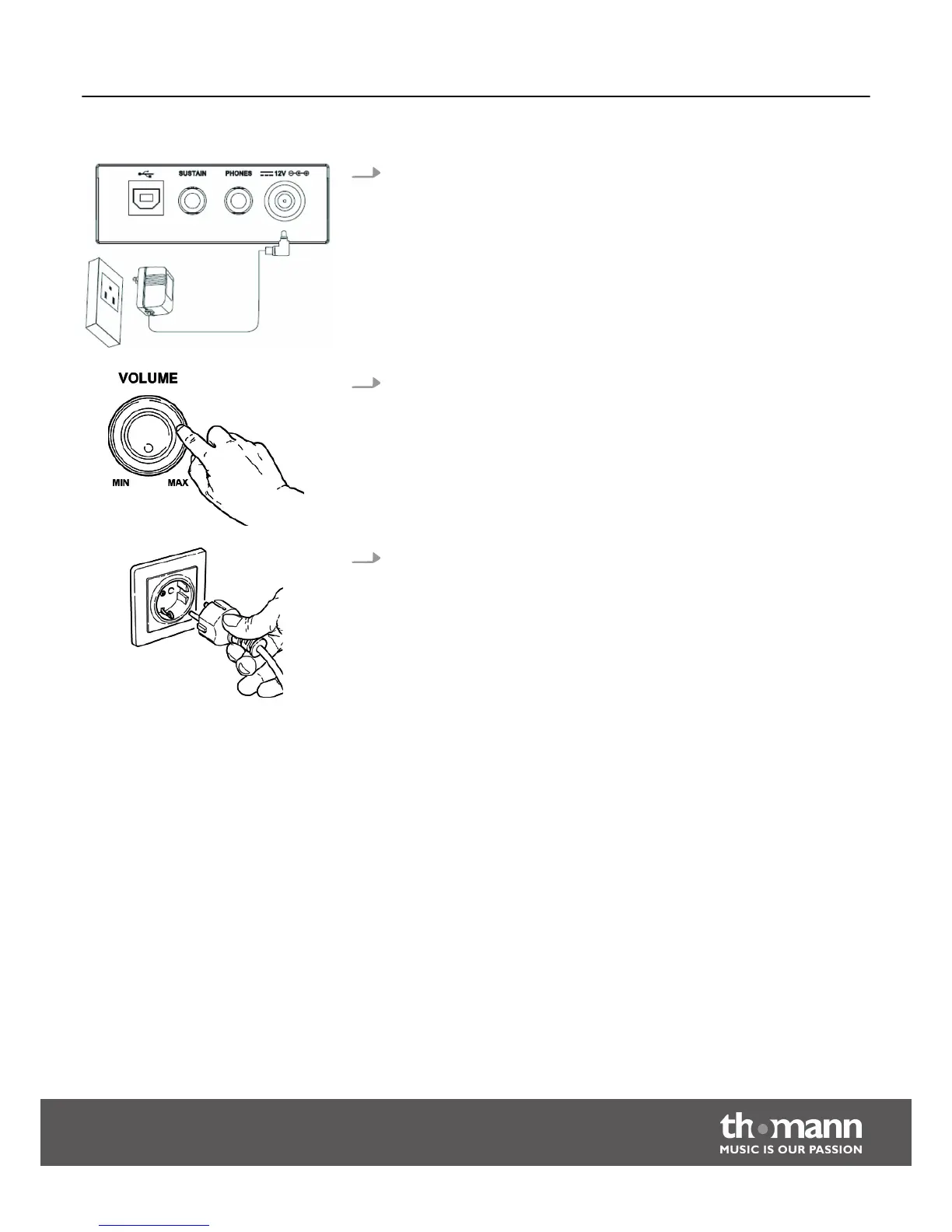
Power adapter
1. Make sure that the device is turned off before you connect it to the power
supply or disconnect it.
2. Turn the volume knob counter-clockwise to minimum before connecting the
keyboard to the power supply or to other devices. This is to protect the
speakers from damage.
3. Connect the cable from the power adapter outlet to the input socket [12V] on
the rear panel of the keyboard.
Plug the AC power cord into a properly wired mains wall outlet.
Assembly instructions
Startone MK-300
11



 To Next Page