7.3 Demo songs
The eight demo songs built-in in the keyboard show the sound and the pitch range
of the instrument (see
Ä
Chapter 12 ‘Demo List’ on page 51).
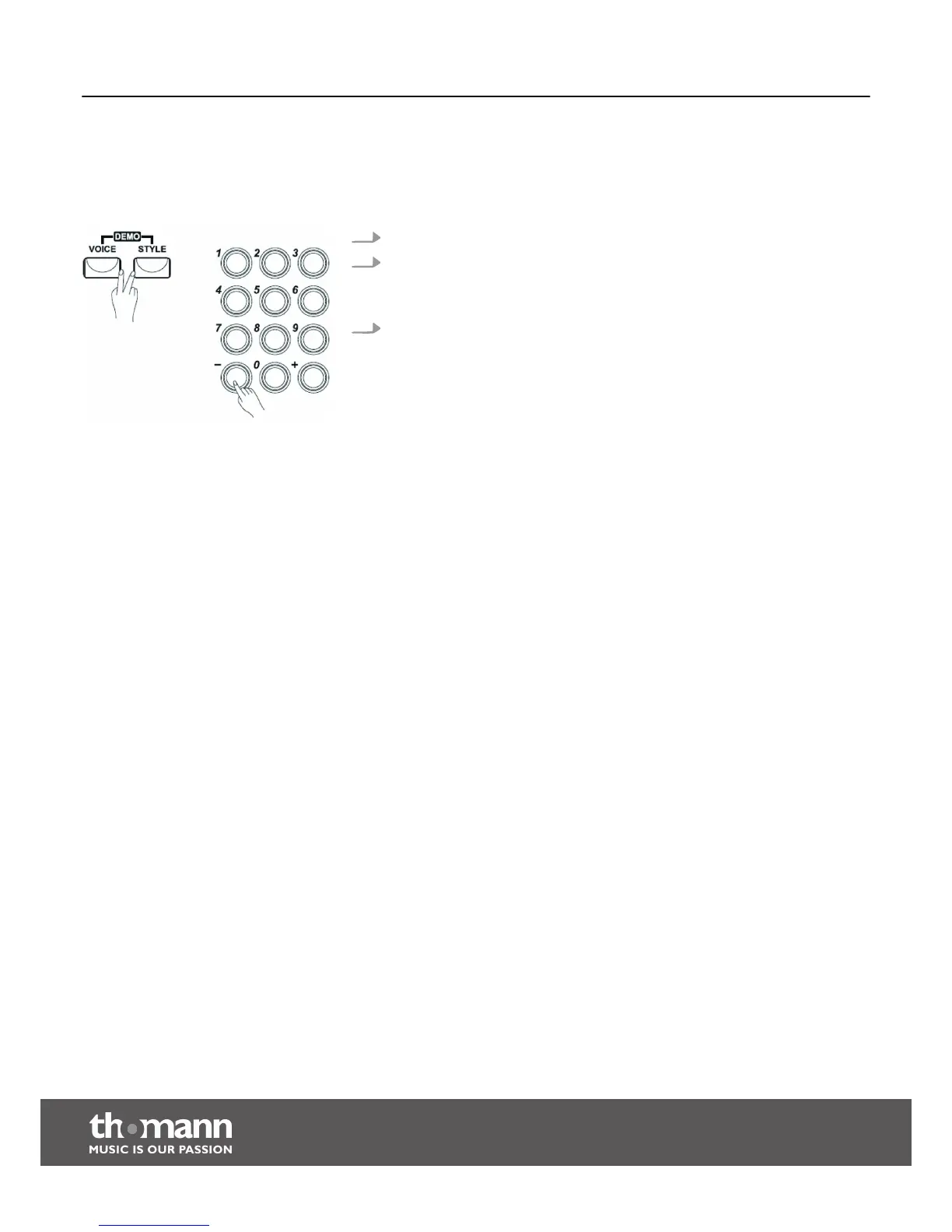
1. Press the [STYLE] and [VOICE] buttons simultaneously to enter the DEMO mode.
2. Select a demo song using the numeric keys or the [+] and [ –] buttons.
After four beats, the first demo song starts and all eight demo songs will be
played in an endless loop.
3. Press the buttons [STYLE] and [VOICE] again or the [START/STOP] button, to stop
playback and exit the DEMO mode.
Switching on / off and basic operation
keyboard
18


 To Next Page