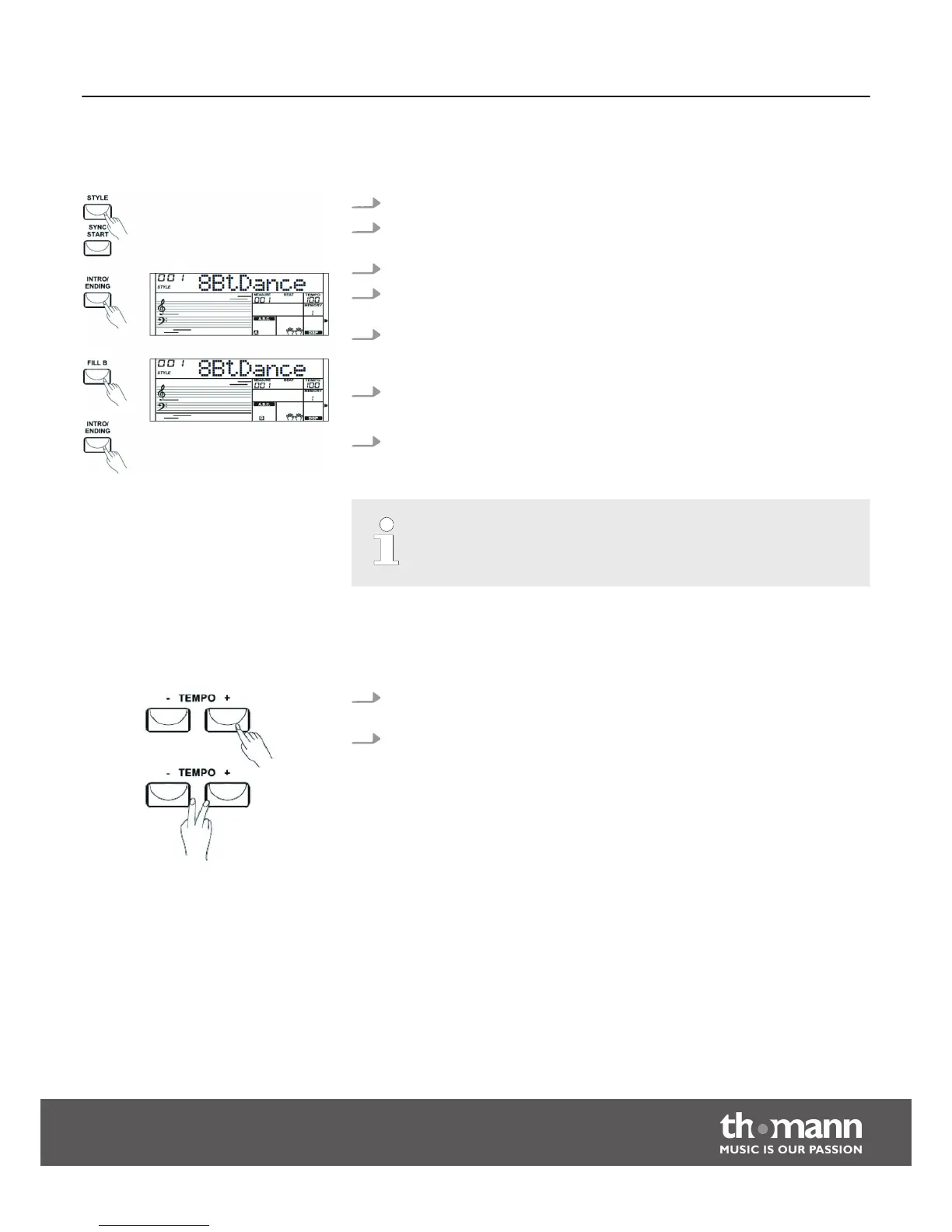
8.3.4 Varying with different Accompaniment patterns
1. Press the [STYLE] button and select a Style.
2. Press the [CHORD] button to turn on the chord recognition mode and press the
[SYNC START] button.
3. Press the [FILL A] button.
4. Press the [INTRO/ENDING] button. The symbol ‘A’ is flashing in the display. This
indicates that the Intro is ready to start.
5. Once you play a chord with your left hand, Auto Accompaniment will start. If
the intro is finished, the Auto Accompaniment flows seamlessly into main part
A.
6. Press the [FILL B] button.
A Fill part is inserted, that flows seamlessly into main part B.
7. Press the [INTRO/ENDING] button to conclude the song with an Ending. The
style stops after the ending.
Hold the [FILL A] or [FILL B] button pressed while a Style is being played, so
the selected fill pattern is played until you release the key.
8.3.5 Tempo
1. Each style of the instrument is programmed with a preset default tempo, but
you can change it using the [TEMPO+] and [TEMPO–] buttons.
2. Press the [TEMPO+]/[TEMPO–] buttons simultaneously, then the tempo is reset
to the factory default setting.
Functions
Startone MK-300
23


 To Next Page