8.4.7 Vibrato effect
The Vibrato effect modulates the tones played on the keyboard.
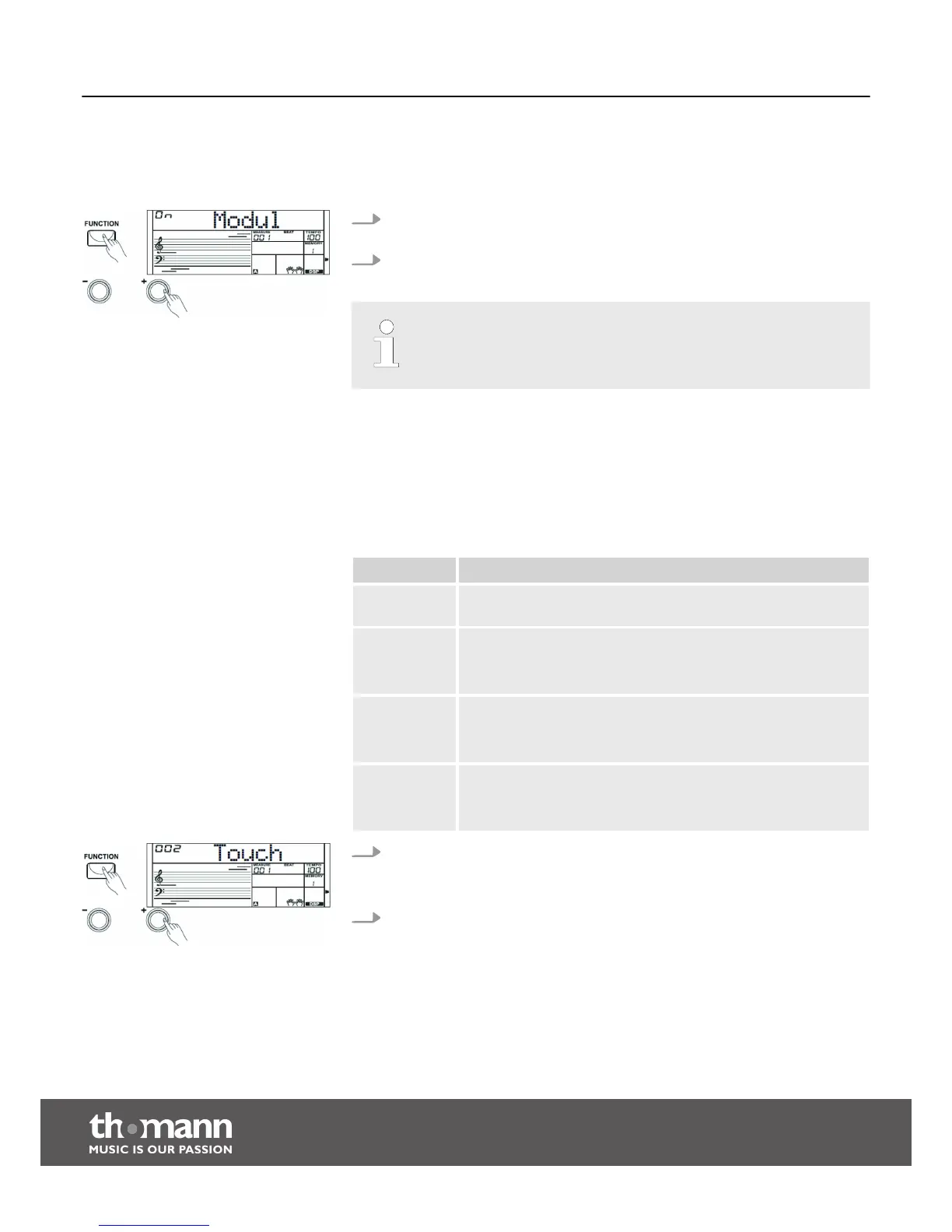
1. Press the [FUNCTION] button to select the setting for the Vibrato effect. The
current setting appears on the display.
2. Press the [+] or [–] buttons to turn the Vibrato effect on or off.
The Vibrato effect does not affect the Percussion voices.
8.4.8 Touch sensitivity
With this function you can adjust the touch response of the keyboard at four dif‐
ferent levels.
Parameter Description
‘OFF’ Touch sensitivity is off. This can be very recommendable when
playing the organ voice.
‘001’ Soft
In this setting, the volume is higher than usual even when playing
with a soft touch.
‘002’ Normal
This setting corresponds to the usual touch response of a key‐
board.
‘003’ Hard
In this setting, the volume is lower than usual even when playing
with a hard touch.
1. Press the [FUNCTION] button to select the setting for the Touch sensitivity. The
current setting appears on the display.
Use the [ +] or [–] buttons to adjust the Touch sensitivity.
2. If you select ‘ OFF’ , ‘TOUCH ’ goes out and the Touch sensitivity is deactivated.
Functions
keyboard
30


 To Next Page