Ø1/4" Shutters and Controller Chapter 4: Setup and Operation
Rev F, January 18, 2023 Page 9
4.4. Default to On
The default to on setting allows the SHB025(T) to automatically power ON when DC is
applied; for users that require auto power ON when DC is applied without pressing the
POWER button. To enter or exit this setting, follow the steps below:
1. Connect the DC power supply.
2. Press and hold the Enable button; the press and hold the Power button
simultaneously for 1 second.
3. Both the Power and Enable LED will light.
4. Release both the Power and Enable buttons.
5. The Power and Enable LEDs will remainwill remain on for >3 seconds.
6. The controller will now reboot and power on (Power LED on).
Note, when set to Default to On, the POWER button functions normally.
4.5. Interlock Output
An interlock output is provided. In the event of a failure, the interlock circuit will trip and
the contacts will open. The interlock uses contacts to represent the state of operation.
The contacts are set NO (Normally Open). If the contacts are NO, the power is OFF
and DC is disconnected. In a normal operating condition the contacts will be closed
where the feedback monitor does not detect any error.
There are three different error conditions where the contacts would be in an open state.
These error conditions would result when:
• The shutter is not changing state with reference to its drive signal, such as a
jammed blade.
• An over temperature condition has been detected.
• The maximum drive frequency of 50 Hz is exceeded.
All error conditions result in the Status LED changing to red.
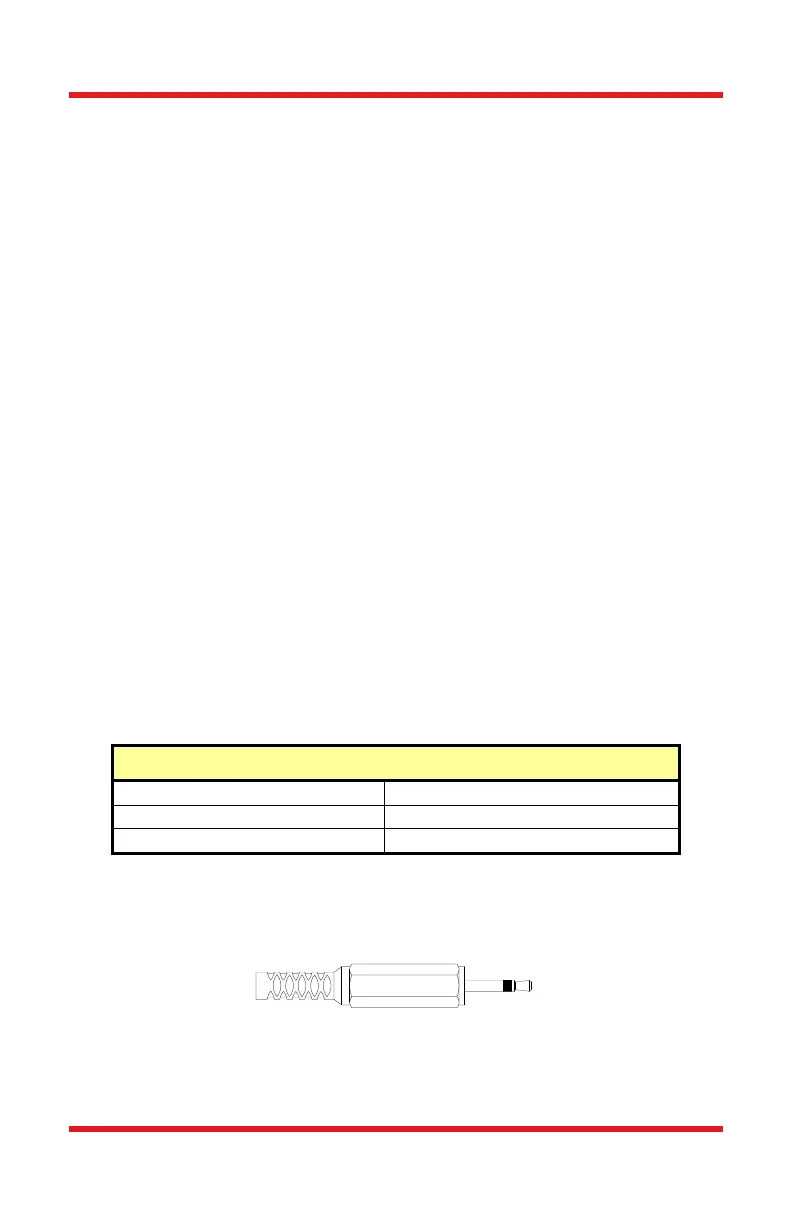
If you wish to make use of the Interlock feature you will need to acquire the appropriate
connector and wire it to your device. The Interlock input only accepts a 2.5 mm mono
phono jack. Please note that the interlock connection is not included but is available
upon request. This connector is readily available at most electronics stores.
Figure 4 Remote Interlock Connector (Not Included)














 To Next Page