© 2017 Thorlabs GmbH
4 First Steps
11
4 First Steps
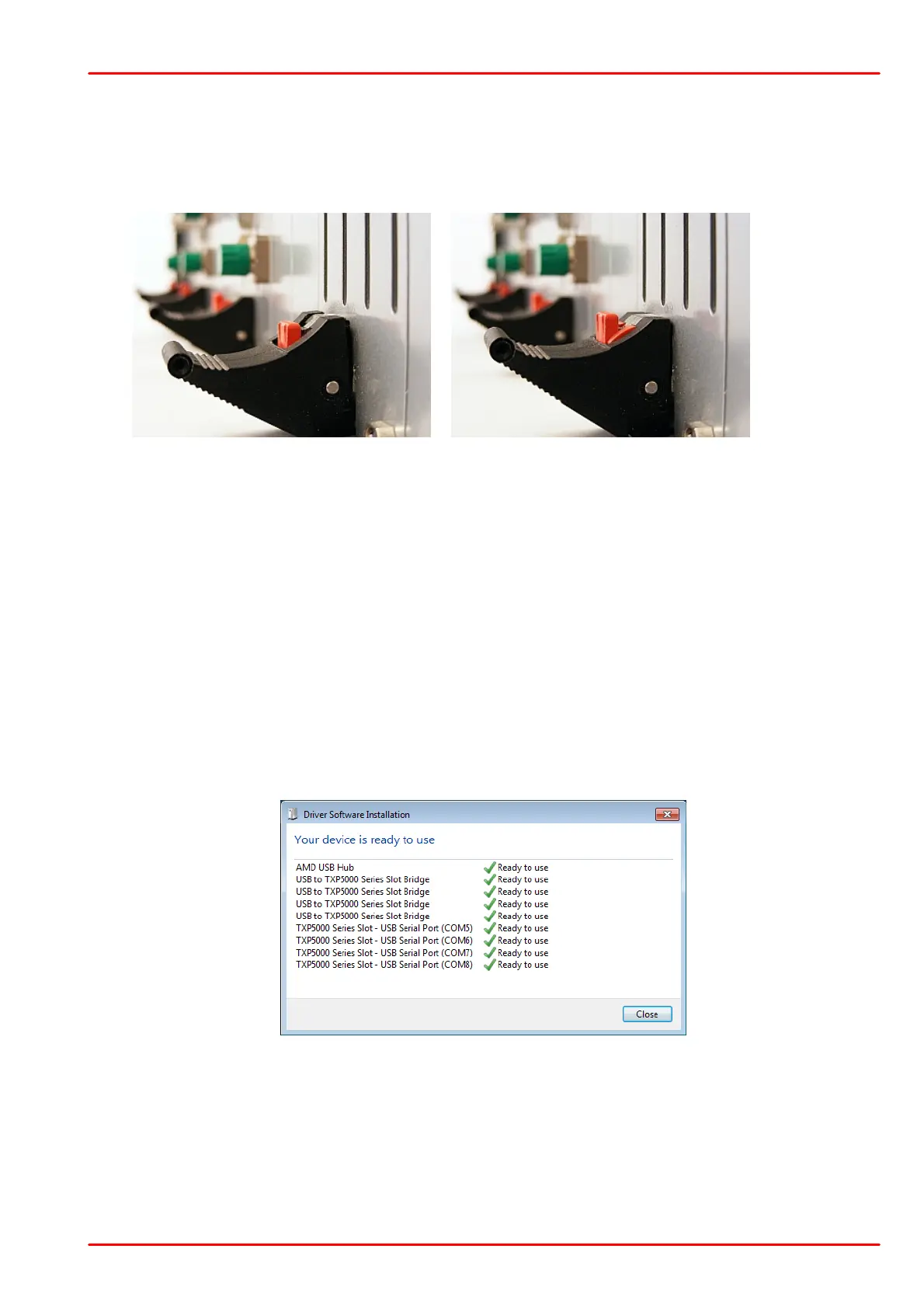
· Insert your TXP module(s) into the TXP5004. Please make sure, that the ejector handle is
pushed up against the stop - a click can be heard and the red locking lever is in full upper
position:
In this position the TXP module is disabled!
· Connect the power cord to your TXP5004 and switch it on. The green LED "Power ON"
must light up.
4.1 USB driver installation
Connect the TXP5004 to your computer using the USB cable provided with the unit.
The operating system recognizes the connected polarimeter and starts the driver installation.
By default, the operating system is starting to search "Windows Update", which may take a
while. In order to skip the Windows Update search, click to the Driver Installation info dialog on
the desktop. The Driver Installation dialog box appears; click to "Skip obtaining driver software
from Windows Update".
The drivers for "USB to TXP5000 Series Slot Bridges" and "TXP5000 Series Slot - USB Serial
Ports" will be installed automatically:



 To Next Page