© 2017 Thorlabs GmbH20
TXP5004
6.1 Replacing the Line Fuse
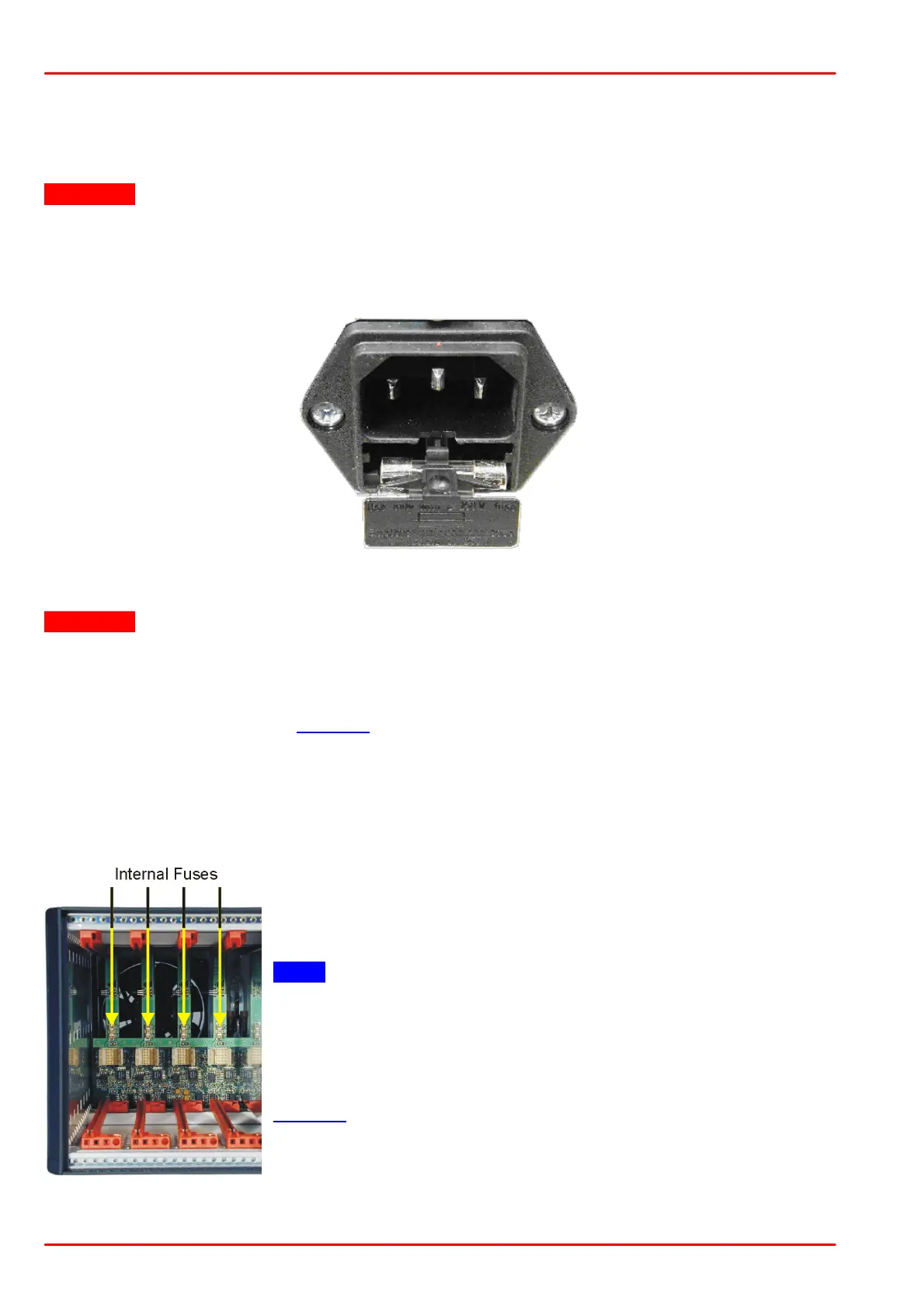
If the line fuse has blown due to line disturbance or other influences from the outside, it can be
replaced easily without opening the unit.
Attention
To avoid fire hazard only the appropriate fuses must be used!
· Switch off the TXP5004 and remove the power cable from the mains jack. Look at the
back of the unit.
· Open the cover of the fuse holder at the rear using a small screwdriver.
· Replace the defective fuse. An IEC 60127-2/V, 5 x 20 mm fuse with slow response and
high breaking capacity is used. The fuse holder contains one spare fuse.
Attention
Fuse Type: T2H250V (2 A, 250 V; 5x20 mm), IEC60127-2/V
· Push back the fuse holder until it is locked in position again.
· Switch on the TXP5004. If the unit cannot be switched on even with the correct fuse
inserted, please contact Thorlabs.
6.2 Replacing the Internal Fuses
Each module slot is protected by an individual internal fuse. These fuses are located on the
backplane and can be accessed after removing all modules and blind plates from the slots:
The TXP5004 must be switched off. The fuse can be replaced
using tweezers or a small gripper.
Note
Only Littlefuse NANO2™ Slo-Blo™ R452 001 (1 A, slow
response) must be used!
After fuse replacement, reinstall all modules, switch on the
TXP5004 and check the correct function. If the fuse opens again
there may be a fault on the corresponding module. Please contact
Thorlabs.



 To Next Page