© 2017 Thorlabs GmbH16
TXP5004
Example:
A TXP LS5 laser source is connected via USB to the control PC; the TXP server is running in
gateway mode, as shown in the instruction above.
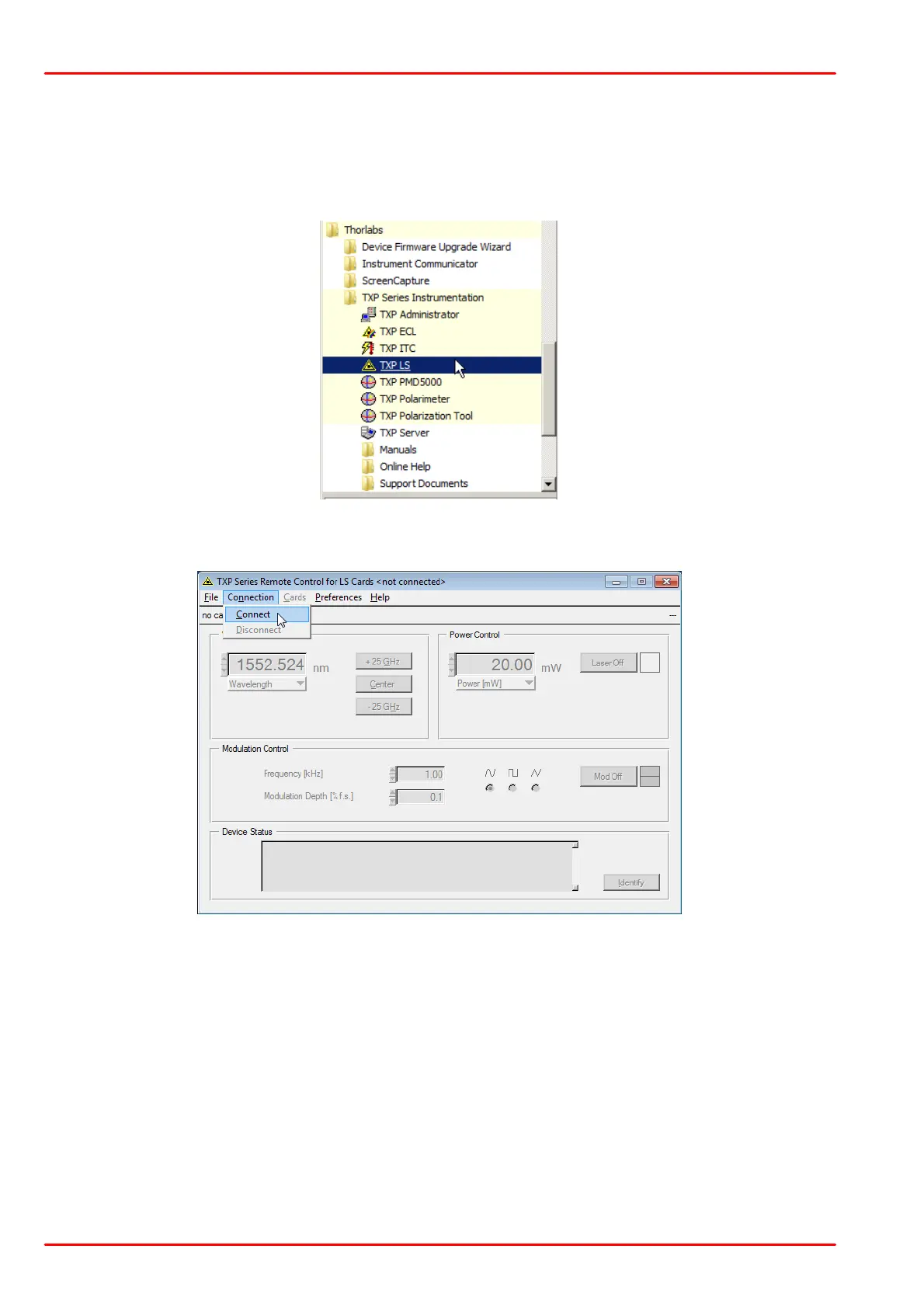
Select from Windows button -> Programs the TXP Polarimeter Software:
The TXP LS GUI starts up; click to "Connect" button:
and enter the host name (or the IP address) of the USB control PC into the appropriate box and
click OK:



 To Next Page