5.4 Start Mode
You can select how the VD6 controller should behave after start-up:
Stop: Control is inactive after the instrument is powered-on and has to be
started and stopped manually by pressing the "set" key or by software
command.
run: Control is started automatically as soon as the instrument is powered-
on and cannot be stopped with the "set" key!
It is possible to start and stop control by software command via
USB independently of the settings made under this configuration
point.
To change the start mode switch the VD6 into configuration mode as described
in chapter 5, so that the display shows "typ .."..
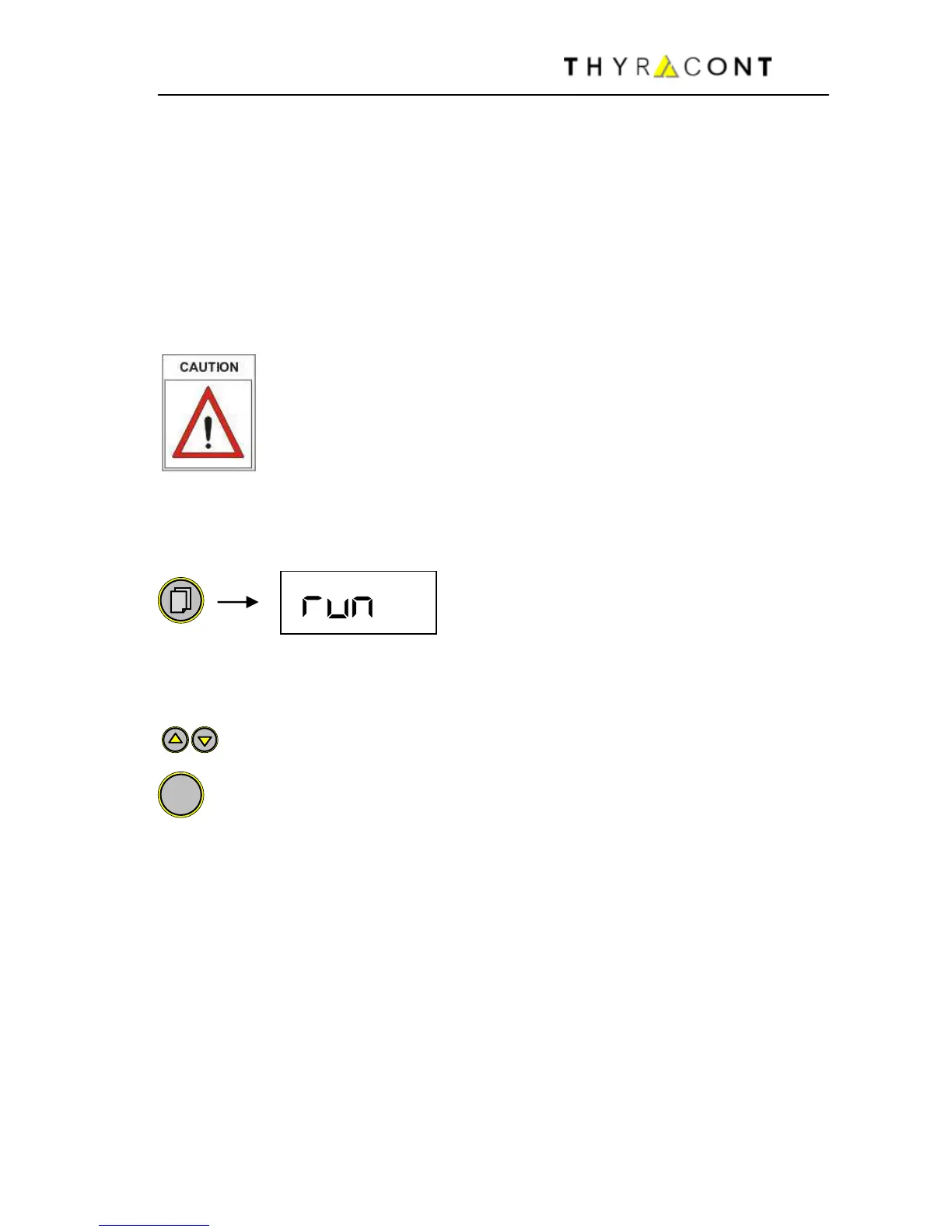
Press the menu key (several times) until the display shows the current start
mode setting.
You can select between "Stop" and "run" by means of the "Up" and
"Down" keys.
Confirm with "Set" key.
The VD6 is re-started and returns to measuring mode.


 To Next Page