26
HD Param- Defaults
Click button< Default>to recover the defaults setting for the target template.
Remark <HD Param> has Export and Import function, operation is the same as <Video Param>.
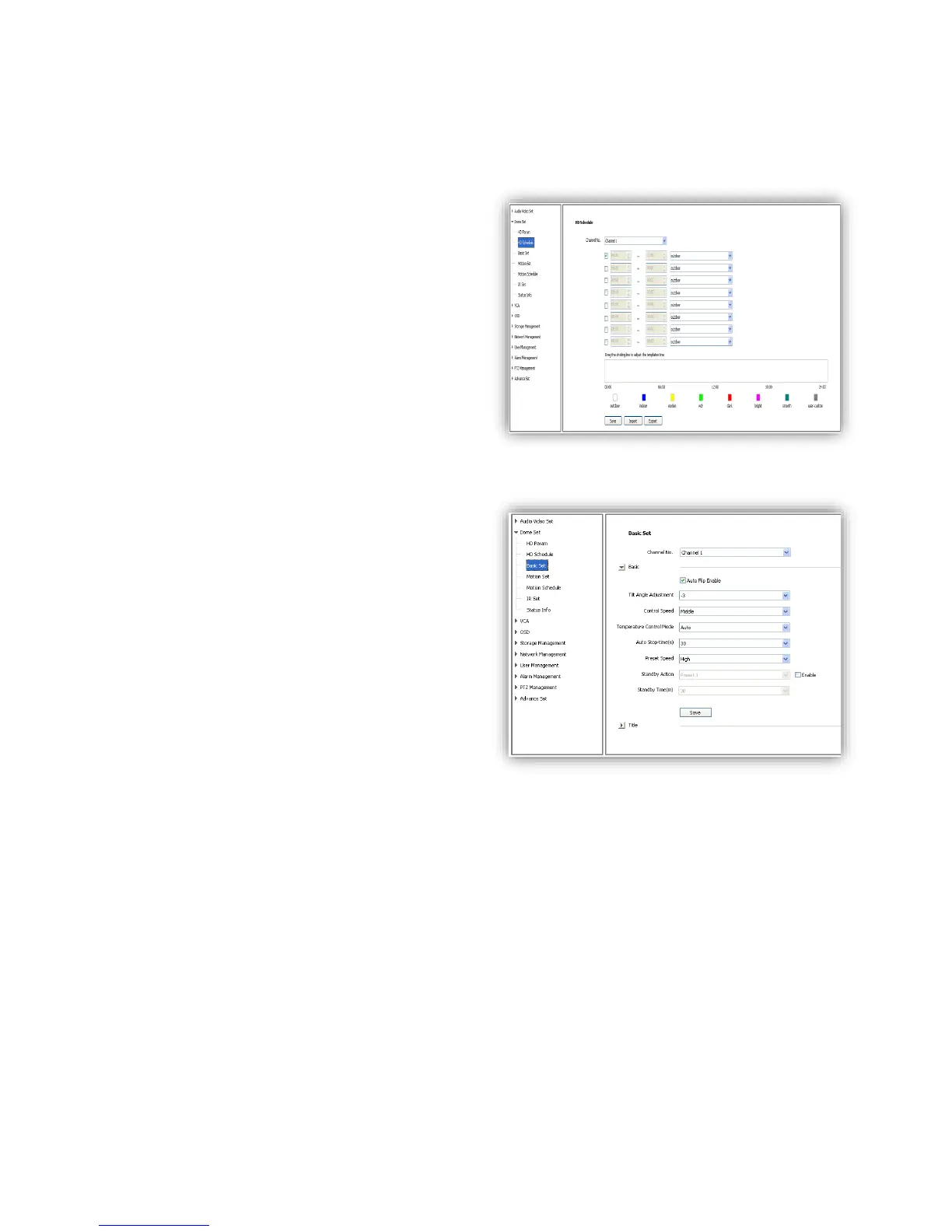
6.2.2 HD Schedule
To define different video template used for
different time period.
(1)It offers 8 different time periods, select the
check box to enable it.
(2)Select template for each time period.
(3)Length of each time period is settable. Colors
are different for different template.
(4) Click<Save>to save and enable.
6.2.3 Basic Set
6.2.3.1 Basic
<Auto Flip Enable> Enable for 0~180°, disable
for 0~90°.
<Tilt Angle Adjustment> Set the tilt angle for
speed dome camera, range from “0”to“-11”
degree.
<Control Speed>
Set limit for the max operation speed,
high/medium/low for selection, high=240°/s,
medium=160°/s, low=80°/s.
<Auto Stop-time (s)> Set the time period for the
speed dome camera to stop PTZ movement
since the last operation. It can be set to be
5/15/30/60s.
<Preset Speed> Set the preset speed for speed dome camera, there are high/medium/low for
selection.
<Temperature Control Mode><Auto>and<OFF>
<Standby Action> It is to define the action of speed dome camera when it is idle. There are 4
options preset#1, scan#1, cruise#1 and pattern#1.
<Standby Time(s)> enable standby time setting. There are 30s,60s,300s,600s and 1800s for
selection.
<save> save and enable all the setting.



 To Next Page