27
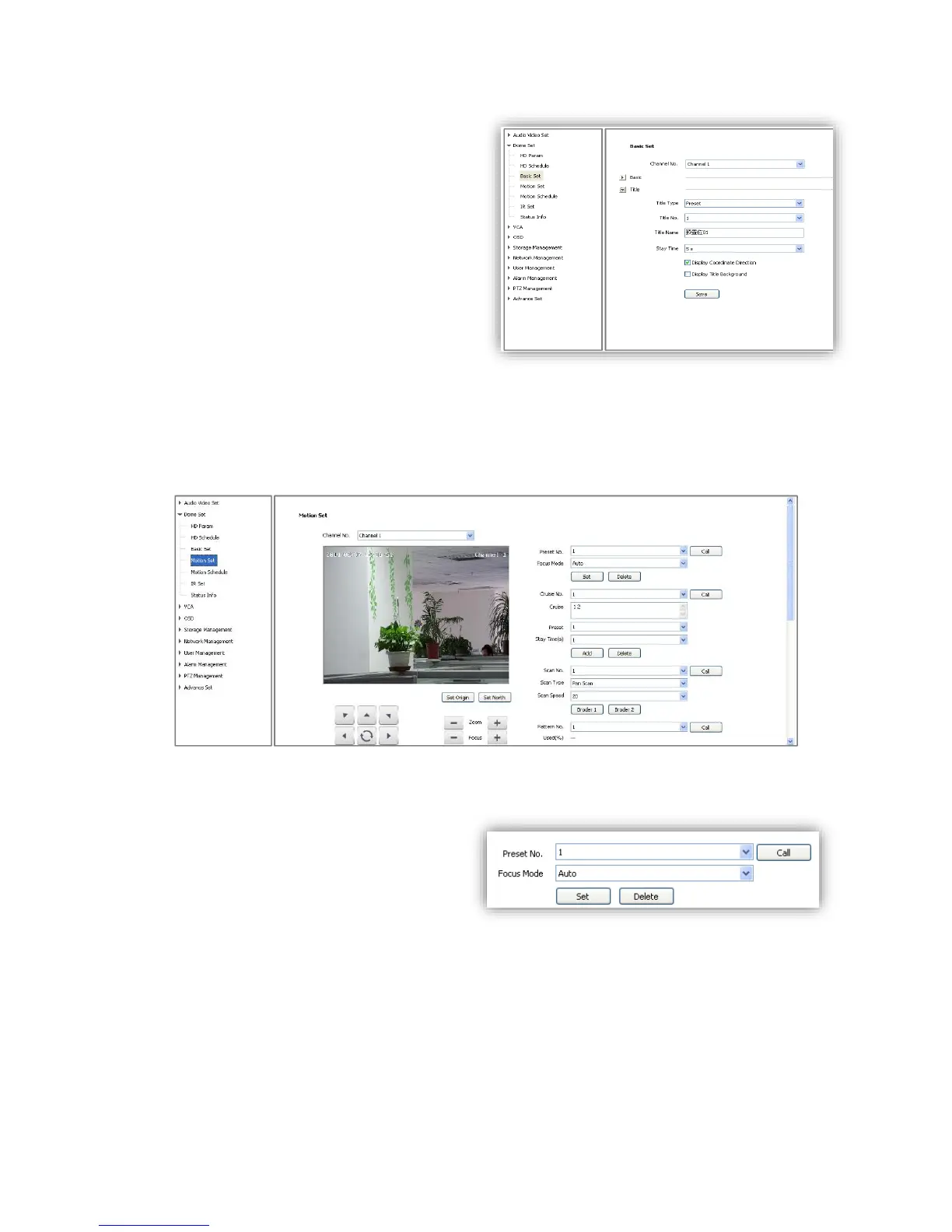
6.2.3.2 Title
<Title Type> Preset, Scan, Cruise, Pattern and
Zone No.
<Title No.> Preset number range from 1-32,
Scan number range from 1-8, Cruise number
range from 1-8, Pattern number range from 1-
8, Zone Number range from 1-8.
<Title Name>Set title name.
<Stay Time> Title display on the screen,
options 2s,/5s/10s/disappear/keep.
<Display Coordinate Direction> check to
display the movement coordinates.
<Display Title Background> check to display title background.
6.2.4 Motion Set
6.2.4.1 Preset
<Preset No.> Speed dome camera supports
220 presets, number range from 1-64 and
100-255.
<Focus Mode> Focus mode for preset can be
auto/manual.
<Set> Move to target position and press
<Set> to save as preset position.
<Delete> Delete the target number of preset position.
<Call>Speed dome camera will move to the target preset position.



 To Next Page