28
6.2.4.2 Cruise
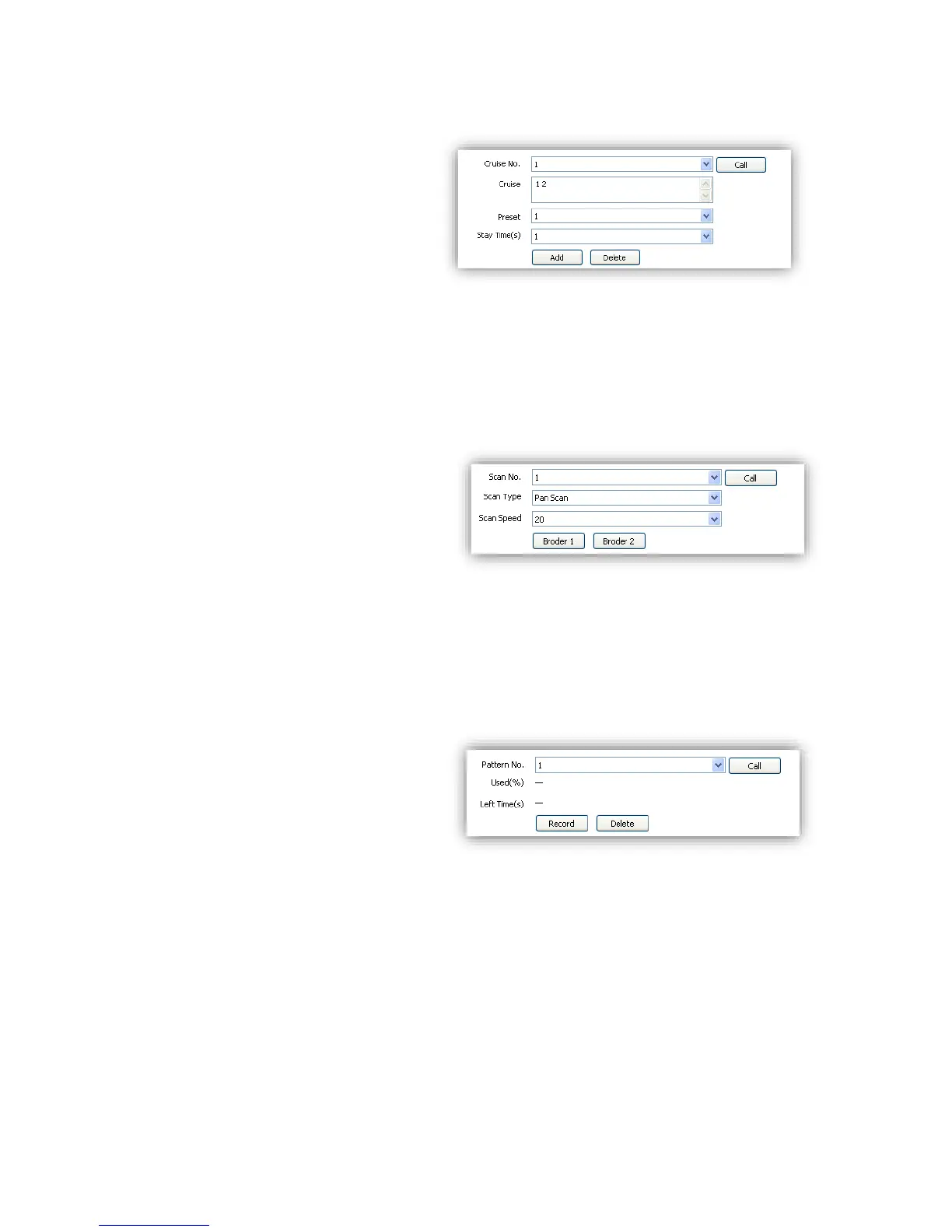
<Cruise No.> Speed dome camera
supports 8 cruises, number from 1-8
<Cruise> show how many presets in the
cruise.
<Preset> Only preset number 1-64 and
100-255 are available, click <Add> to
add the preset into cruise list.
<Stay Time(S)>Set interval time
between two presets, rang from 1-60 seconds.
<Add>Add presets into cruise list.
<Delete>Remove preset from the cruise list.
<Call>Activate the speed dome to move follow the presets in cruise list.
6.2.4.3 Scan
<Scan No.>The speed dome supports 8
Scans, number from 1-8
<Scan Type>Pan Scan, Auto Scan, Frame
Scan, Random Scan, Tilt Scan and
Panorama Scan.
<Scan Speed>Set speed for Pan Scan, Auto
Scan, Tilt Scan and Panorama Scan.
<Border 1>Left border of the Scan.
<Border 2>Right border of the Scan.
<Call>Activate scan movement of the speed dome.
6.2.4.4 Pattern
<Pattern No.>The speed dome camera
supports 8 pattern tour, number range
from 1-8.
<Used(%)> Show percentage used for
operations in one pattern tour.
<Left Time(s)> Show the time remaining
in the pattern record process. (The speed dome camera supports up to 180s)
<Record> Start pattern tour recording
<Delete> Delete the target pattern.
<Call> Activate the speed dome camera to move following the pattern tour.



 To Next Page