30
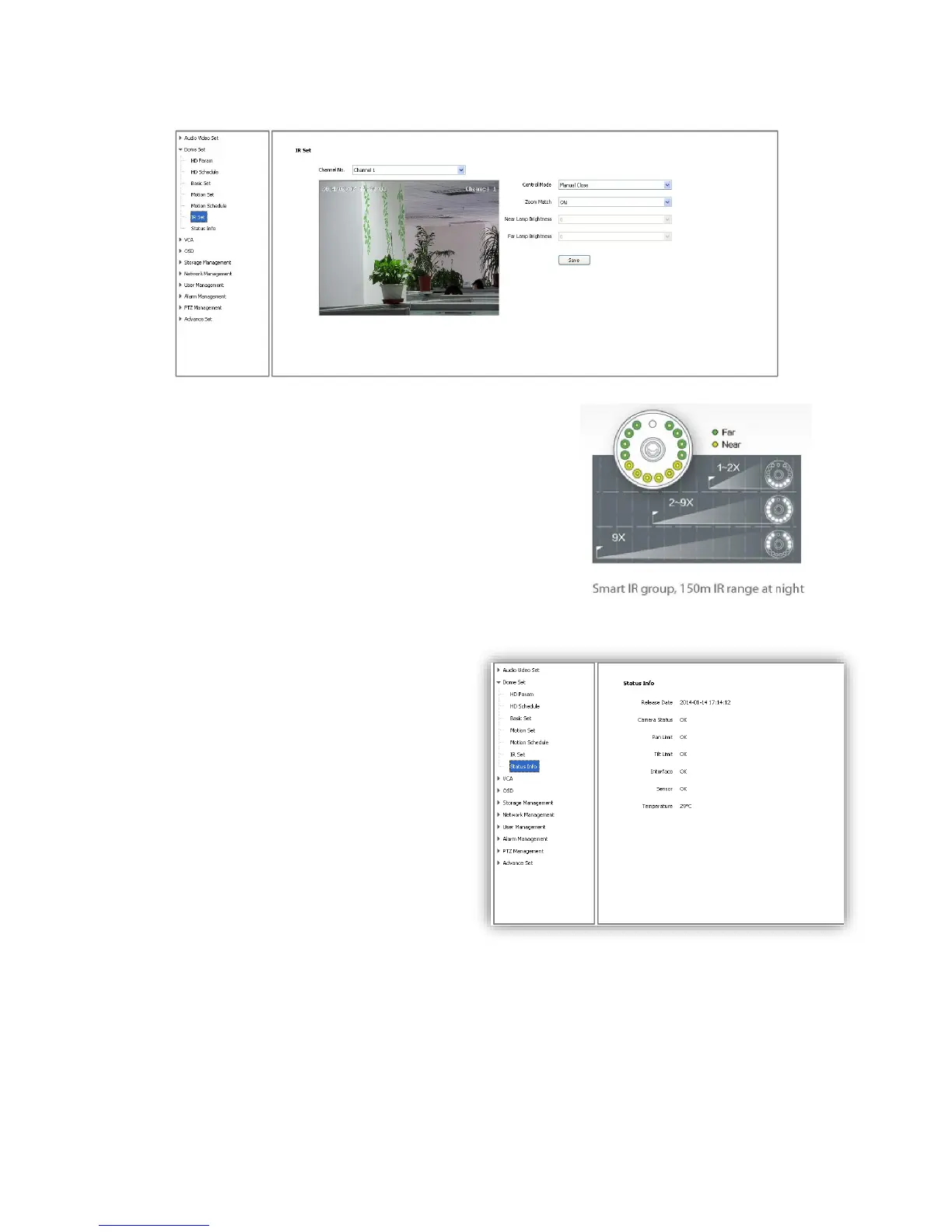
6.2.6 IR Set
<Control Mode>Auto, Manual Open, Manual Close.
<Zoom Match>When it is ON, the brightness and power
consumption of the IR LED will be matched with the camera
zooming distance automatically.
<Near Lamp Brightness> Disable zoom match, set the Near
lamp brightness level, range from 0 to 10.
<Far Lamp Brightness> Disable zoom match, set the far lamp
brightness level, range from 0 to 10.
<Save> Save all the setting.
6.2.7 Status Info
It shows current status information of speed
dome.



 To Next Page