45
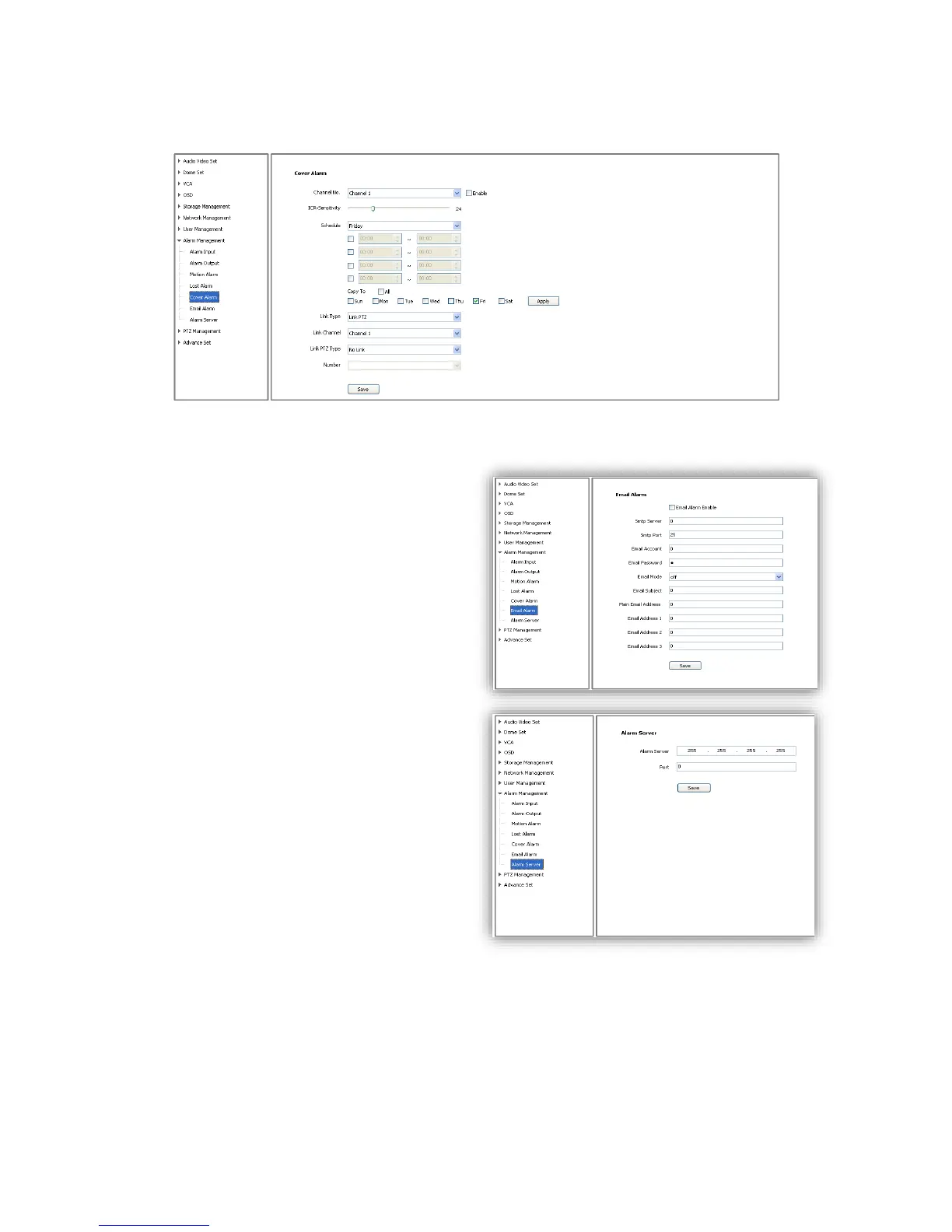
6.8.5 Cover Alarm
Alarm when camera lens is covered.
6.8.6 Email Alarm
(1)<Email Alarm Enable> check to enable
sending email after alarm.
(2)Set sending email information:
<SMTP server> <SMTP port><Email
Account><Email Password>
(3)<Email Mode>
(4)Input receive email address, support up to
4 email address.
6.8.7 Alarm Server
Set alarm server’s IP address and port
number,



 To Next Page