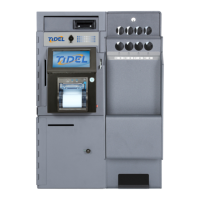
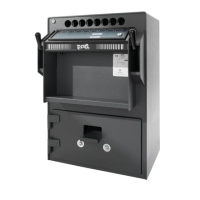
Main Screen
(continued)
Insert Bills (TACC-V only)
After code entry:
The Bill Acceptor will become active (ready state). Bills can
be inserted into the Bill Acceptor.
The Bill Acceptor will become inactive (not ready state) 30
seconds after the last bill was inserted or when “Done” is
selected.
Loading Tubes
All coins placed in the tubes should be wrapped. If loose coins
are to be loaded into the tubes, end caps for the tubes can be
purchased from Tidel.
Do not place tape over the end of the tube. Glue from the tape
will eventually cause jams in the magazine.
Bills loaded into the tubes should be folded lengthwise and
inserted fully into the tubes.
Insure no bills extend out of the tube opening.
Load tubes, closed end first, to prevent coins from falling out of
the tube and into the magazine, causing jams.
Load Tubes (Clerk)
After the Clerk Code Entry:
The Clerk will be prompted to select the column and the
number of tubes to be loaded.
Load Tubes (by Manager)
After Manager code entry:
The prompt “Are you going to fill the columns?” will appear.
!!
!!
! YES - The tube count in all columns will be set
to 11.
!!
!!
! NO - Column selection will appear, allowing the
Manager to select columns and the number of
tubes inserted into the corresponding column.
If funds exist in the Reserve/Vault, the prompt “Is the
money for the tubes coming from the Vault?”
Selecting “YES” will deduct the total amount of the tubes
loaded from the Reserve Fund/Vault.
9



 To Next Page