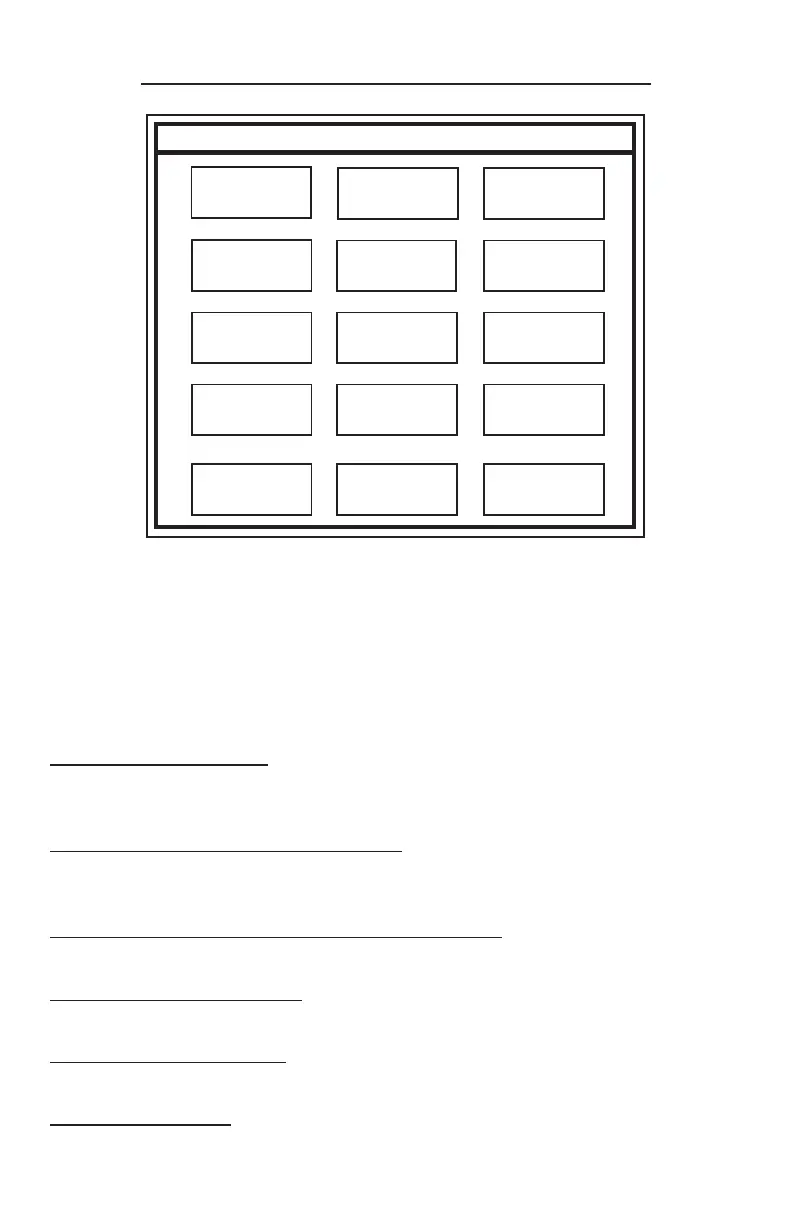
NOTE: The top line of the Display indicates the current screen and
entries made on the Touchscreen.
! Use your fingertips to “tap” in selections. Do not use sharp,
pointed objects to select entries.
To enter a character:
Tap the corresponding icon repeatedly until the desired
selection is displayed.
To advance to the next character:
Pause entry selection for 1-2 seconds, then continue with the
next character.
To backspace 1 character or clear an entry:
Select “Clear”.
To exit an Entry screen:
Select “Done”.
To exit a Menu screen:
Select “Go Back”.
To Enter a space:
Select the “789_” icon until an underscore “_” is displayed.
Touchscreen Layout/Entry
ABC DEF
GHI
JKL
STU
123
Done
MNO
VWX
456
Clear
PQR
YZ0
789_
Go Back
Clerk1
7



 To Next Page