10
• Inch .01 - Measures inches up to 2 decimal places.
• Inch .001 - Measures inches up to 3 decimal places.
• Inch 1/16 - Measures fractional inches in increments of 1/16”.
• Inch 1/32 - Measures fractional inches in increments of 1/32”.
• Inch 1/64 - Measures fractional inches in increments of 1/64”.
• Millimeter 1 - Measures millimeters in whole numbers.
• Millimeter .01 - Measures millimeters up to 2 decimal places.
• Millimeter .05 - Measures millimeters up to 2 decimal places in increments of .05mm.
• Free - Determines the TigerSPC’s scale.
Do not adjust the scale. It is set at the factory and requires specific calibration equipment to properly adjust.
To access TigerSPC’s settings:
Hold
for 4 seconds.
• TigerSPC displays a countdown. Hold until the countdown ends.
Scrolls through settings.
Saves setting change.
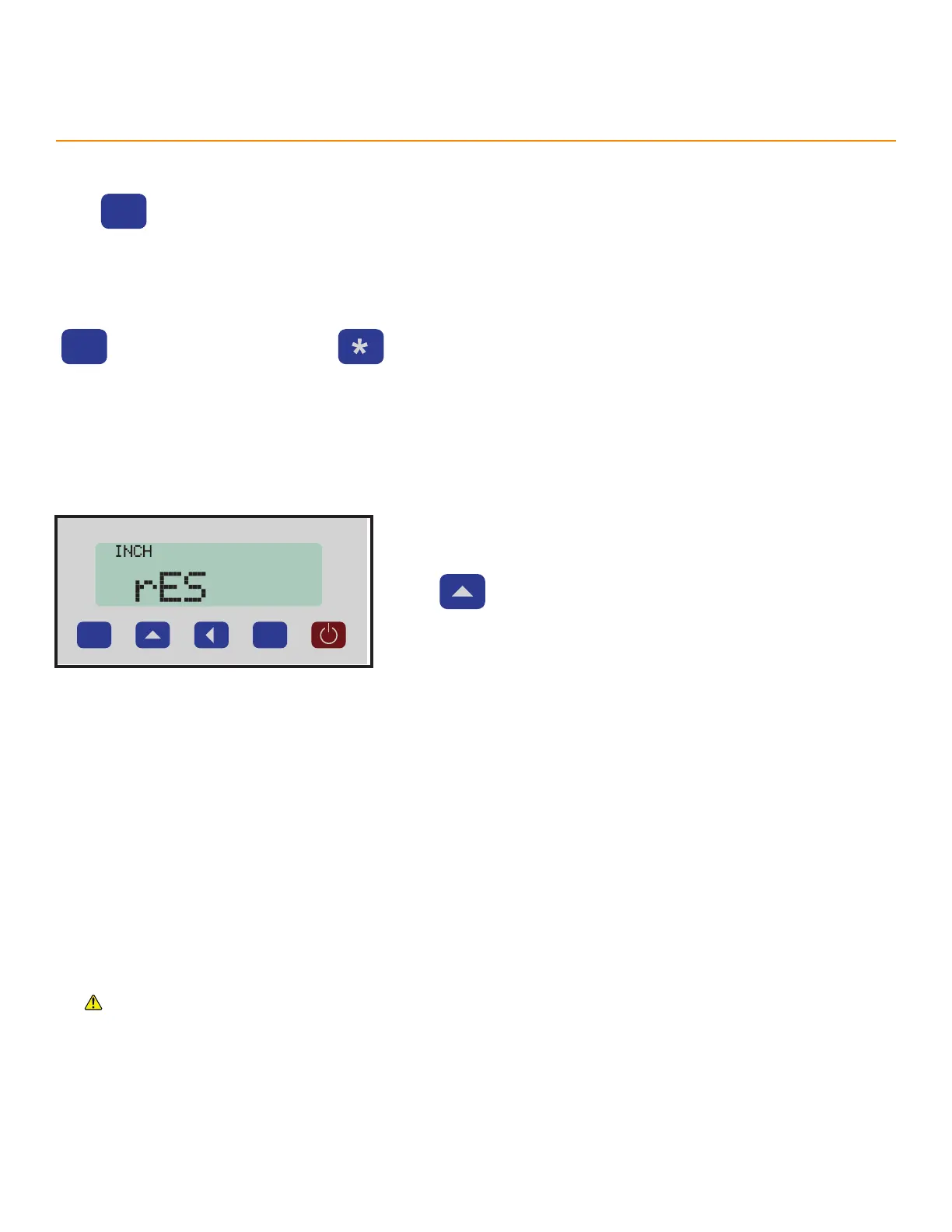
Resolution
Choose to measure inches or millimeters and the measurement’s precision.
P
Press to scroll through the resolution options.
Settings
Options
While in settings:



 To Next Page