12
Settings
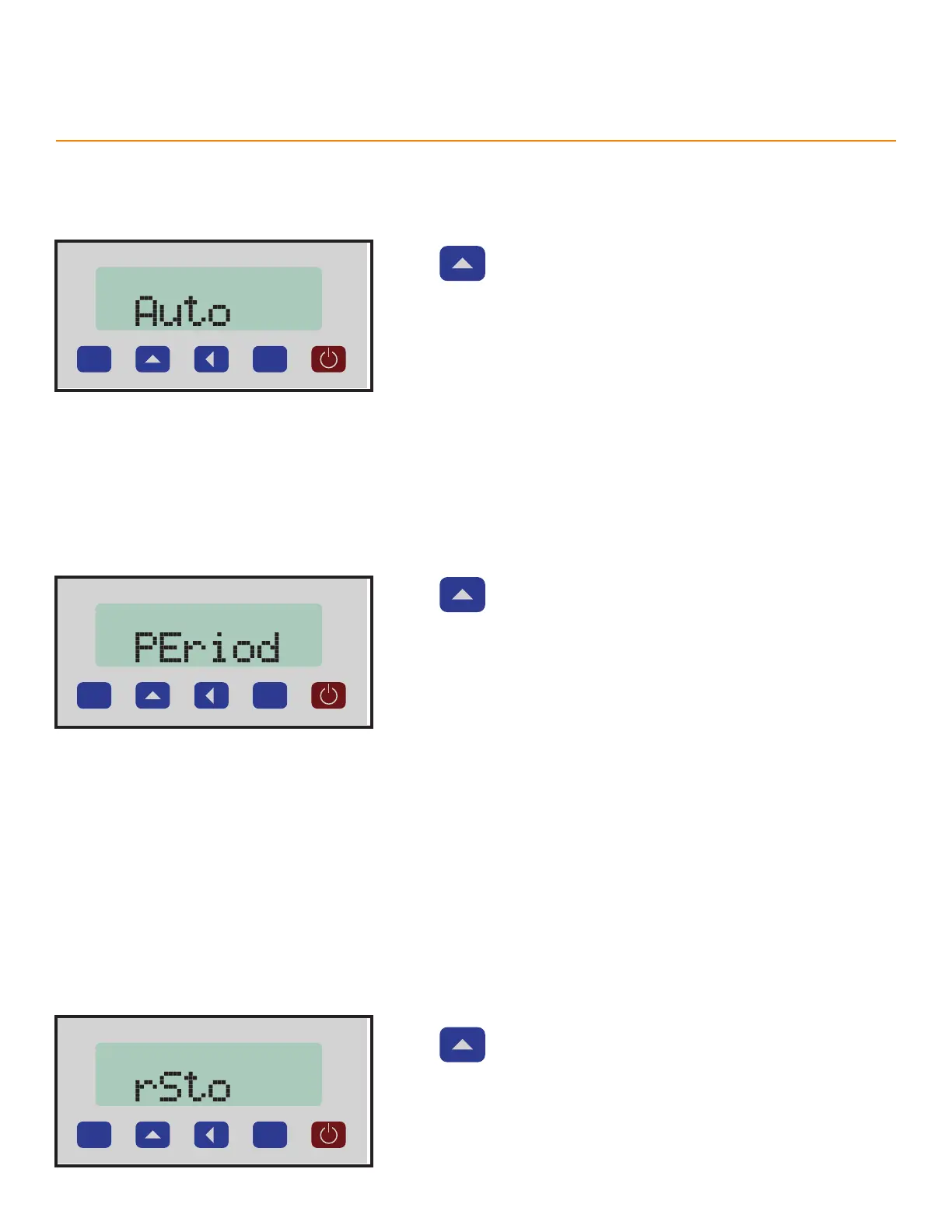
Auto Power O
Turns on or o the automatic power down function. Powers down TigerSPC after a set amount of time. This setting
works with the Period setting to set the time before power down.
P
Press to toggle the setting.
Options
• ON
• OFF
Period
The time period before TigerSPC powers down when using the Auto Power O feature.
P
Press to scroll through the time period options.
Options
• 0.2h -Powers down in 12 minutes
• 0.5h - Powers down in 30 minutes
• 1h - Powers down in 1 hour
• 2h - Powers down in 2 hours
• 4h - Powers down in 4 hours
• 8h - Powers down in 8 hours
Restore Screen
Saves the last Zero point, even when powered o.
P
Press to scroll through the options.
Options
• ON - TigerSPC remembers its last Zero point.
• OFF - Re-zero TigerSPC after each power up before use.



 To Next Page