13
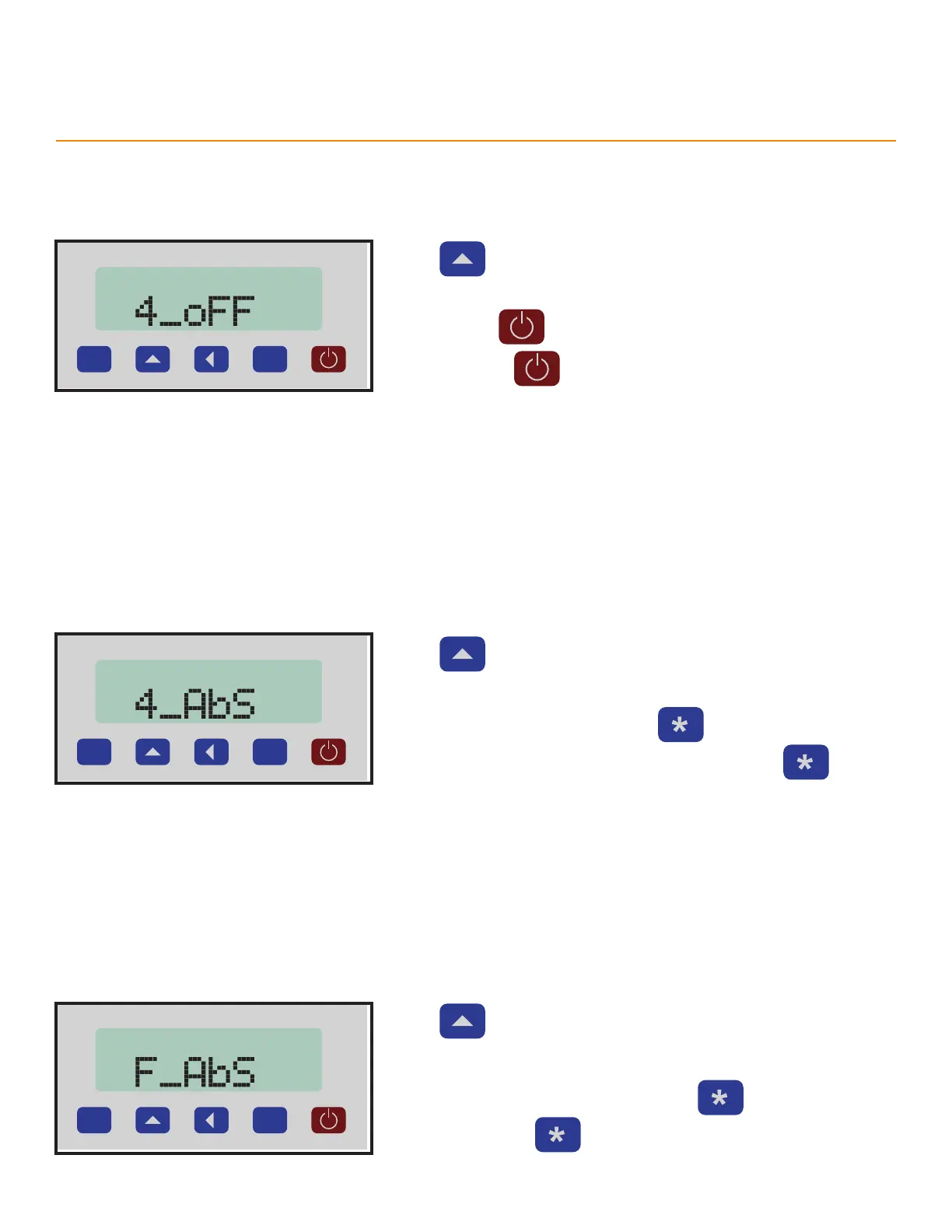
4 Second O Delay
Sets a 4 second delay before TigerSPC powers o. Requires holding the power button until the screen countdown
finishes to power o.
P
Press to scroll through the options.
Options
• ON - Hold for 4 seconds to power o.
• OFF - Press to power o immediately.
Settings
4 Second Calibration Delay
Sets a 4 second delay before TigerSPC Zeros. Requires holding the calibrate button until the screen countdown
finishes to Zero.
P
Press to scroll through the options.
Options
• ON - TigerSPC zeros by holding for 4 seconds.
• OFF - TigerSPC zeros immediately after pressing
Calibration Control
Enable or disable the calibrate button.
P
Press to scroll through the options.
Options
• ON - TigerSPC zeros when you press
• OFF - Disables



 To Next Page