11
Settings
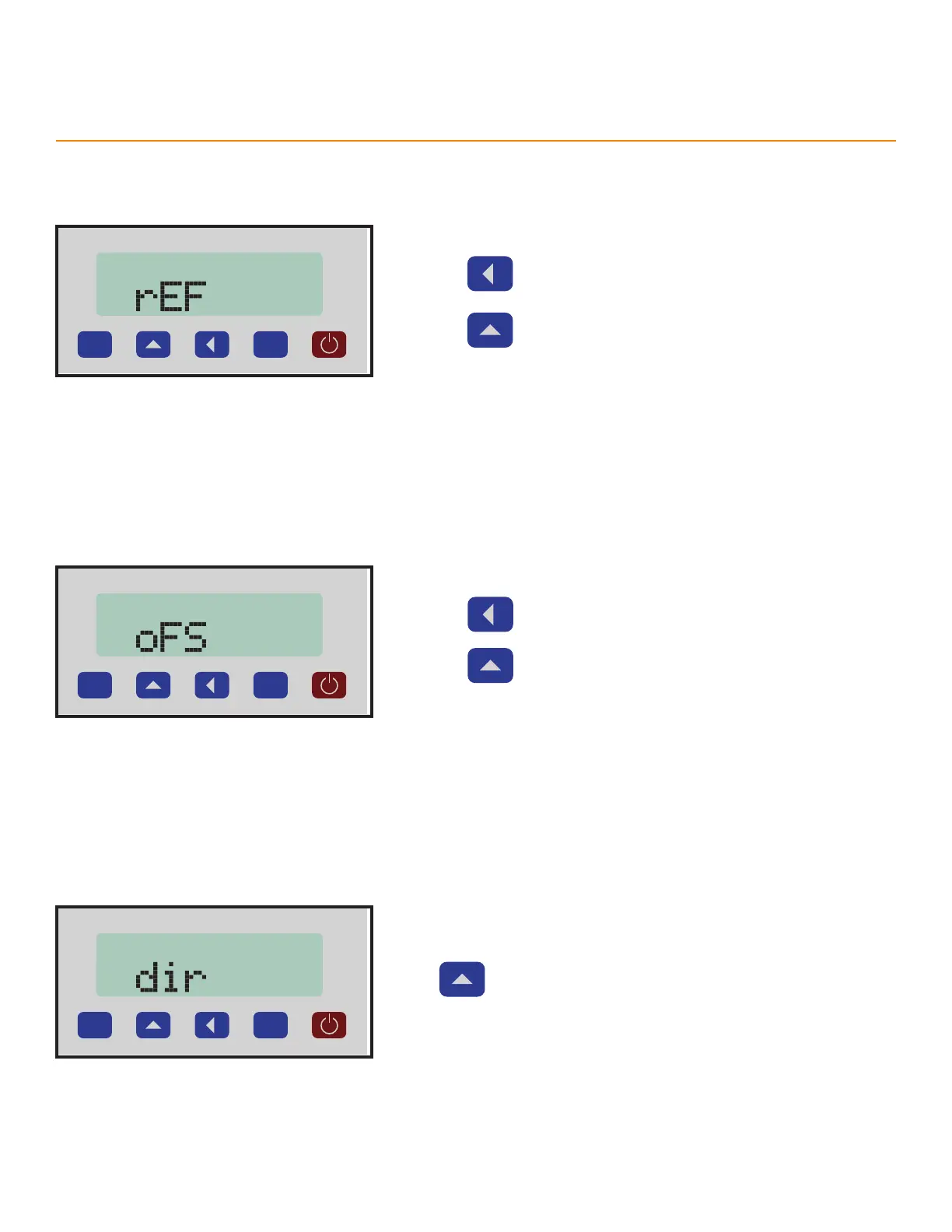
Reference Value
The Reference Value replaces the Zero point with a known, trusted length as with a precision calibration block.
P
1. Press to select a number.
2. Press to change the number.
Oset Value
Osets each measurement by a set distance. Useful in compensating for a known tool error.
P
1. Press to select a number.
2. Press to change the number.
Direction
Swaps the direction that TigerSPC measures. Change this setting to measure on the outside of the Jaws.
P
Press to toggle the setting.
Options
• Down - Default measuring direction (Outside dimensions). Open the Jaws to get positive numbers.
• Up - Opposite measuring direction (Inside dimensions). Close the Jaws to get positive numbers.



 To Next Page