15
Settings
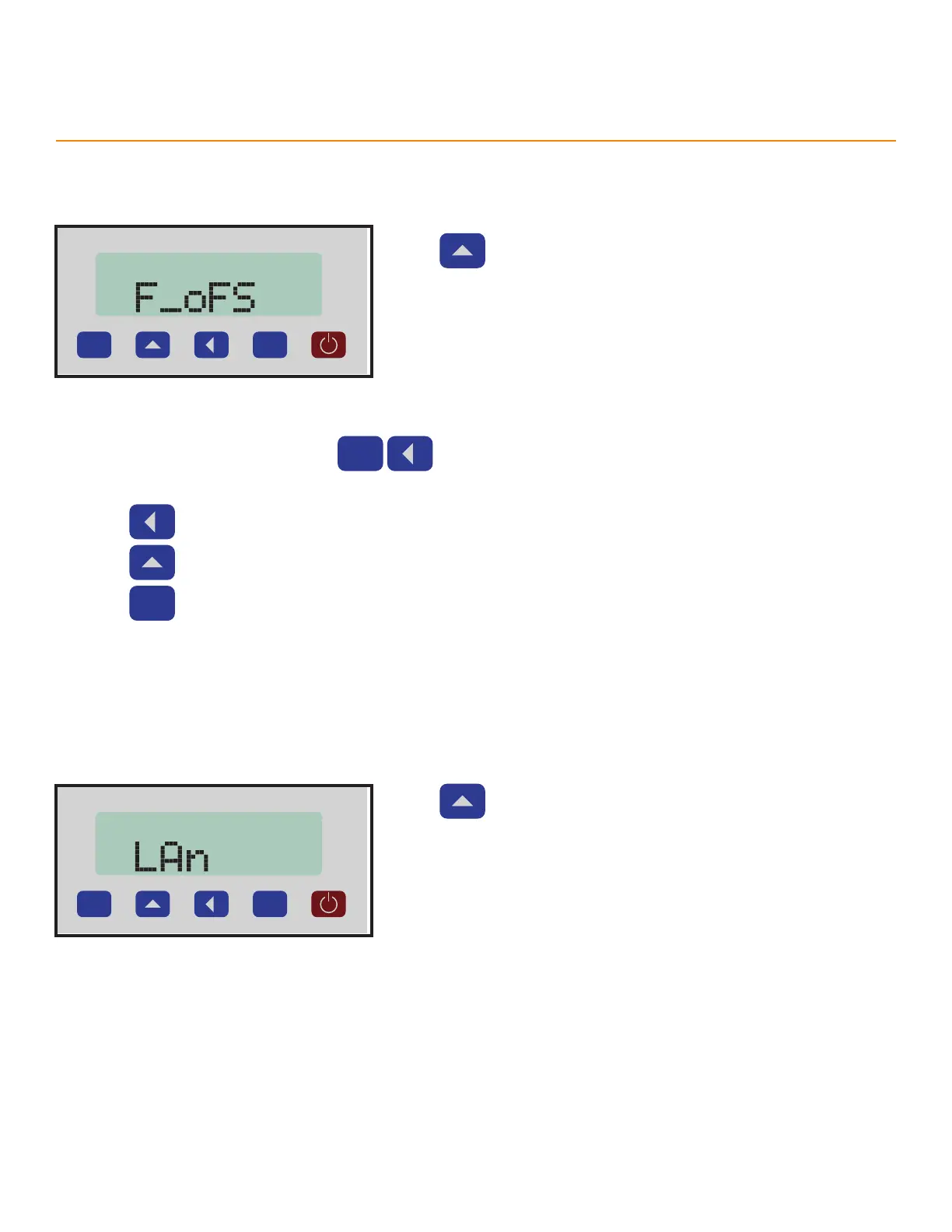
Access Oset Value
Creates a quick toggle from the measurement screen to the Oset value.
P
Press to scroll through the options.
Options
• ON - Enables a quick toggle to access the Oset.
• OFF - Turns o the Oset quick toggle.
Using the Offset Quick Toggle
1. At the measurement screen, press
at the same time.
• TigerSPC will display the Oset value.
2. Press to select a number.
3. Press to change the selected number.
4. Press
to return to the measurement screen.
Language
Changes the language of all text displays.
P
Press to scroll through the options.
Options
• d - German
• E - English
• English is the default value.



 To Next Page