25
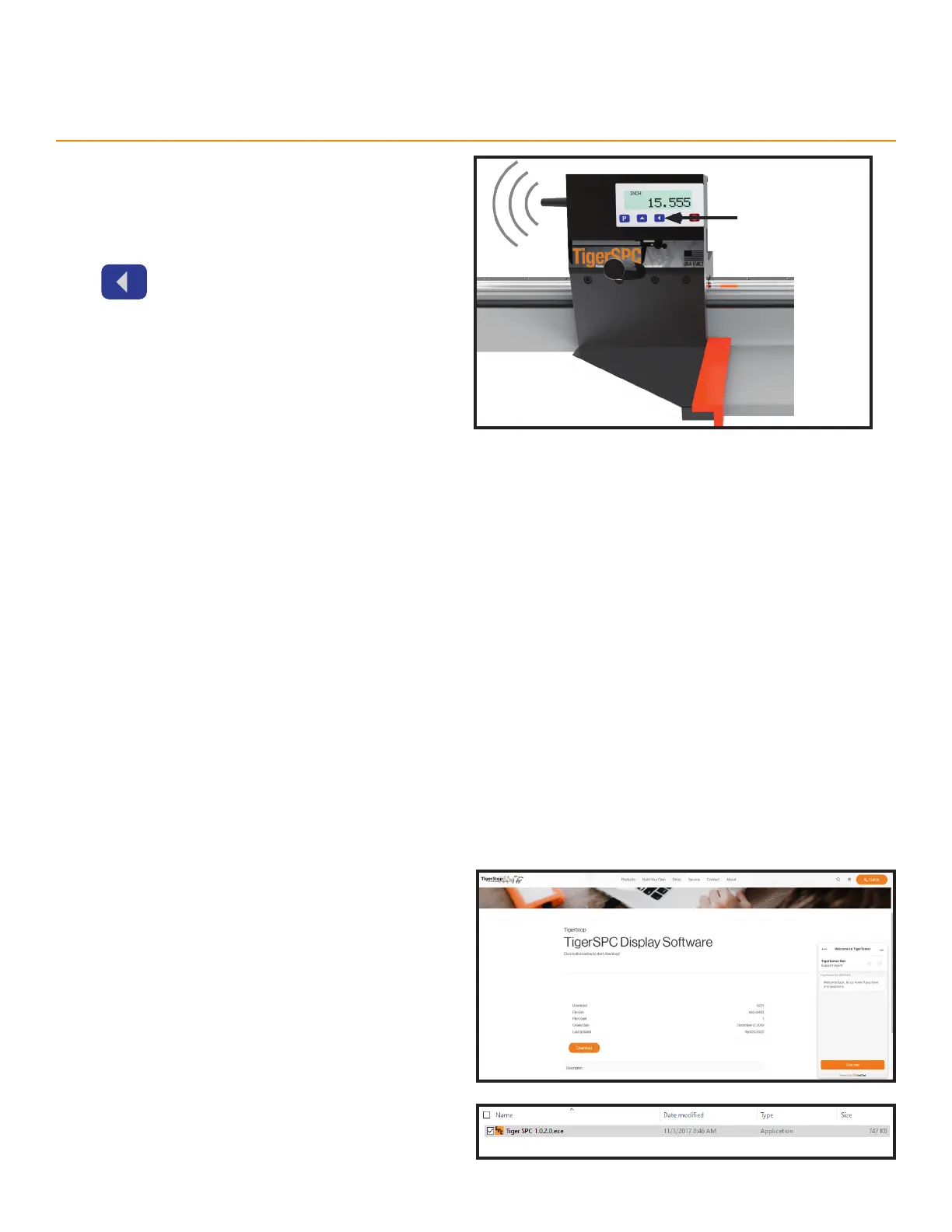
Transmitting Data
Press when measuring a part to transmit part
length data to the TigerSPC Display Software.
Press to transmit
Appendix A: TigerSPC Display Software
Software Installation
Minimum System Requirements
• Windows XP or superior
• Latest released .net framework
• 300 MHz or higher processor
• 128 MB Ram
• 1.5 GB of available hard disk space
1. Download the TigerSPC display software from:
https://www.tigerstop.com/download/tigerspc-
display-software/
• The TigerSPC display software downloads as
a .zip file.
2. Unzip the TigerSPC display software installation
file.
3. Run ‘TigerSPC 1.0.2.0.exe’.



 To Next Page