27
Session Log Options
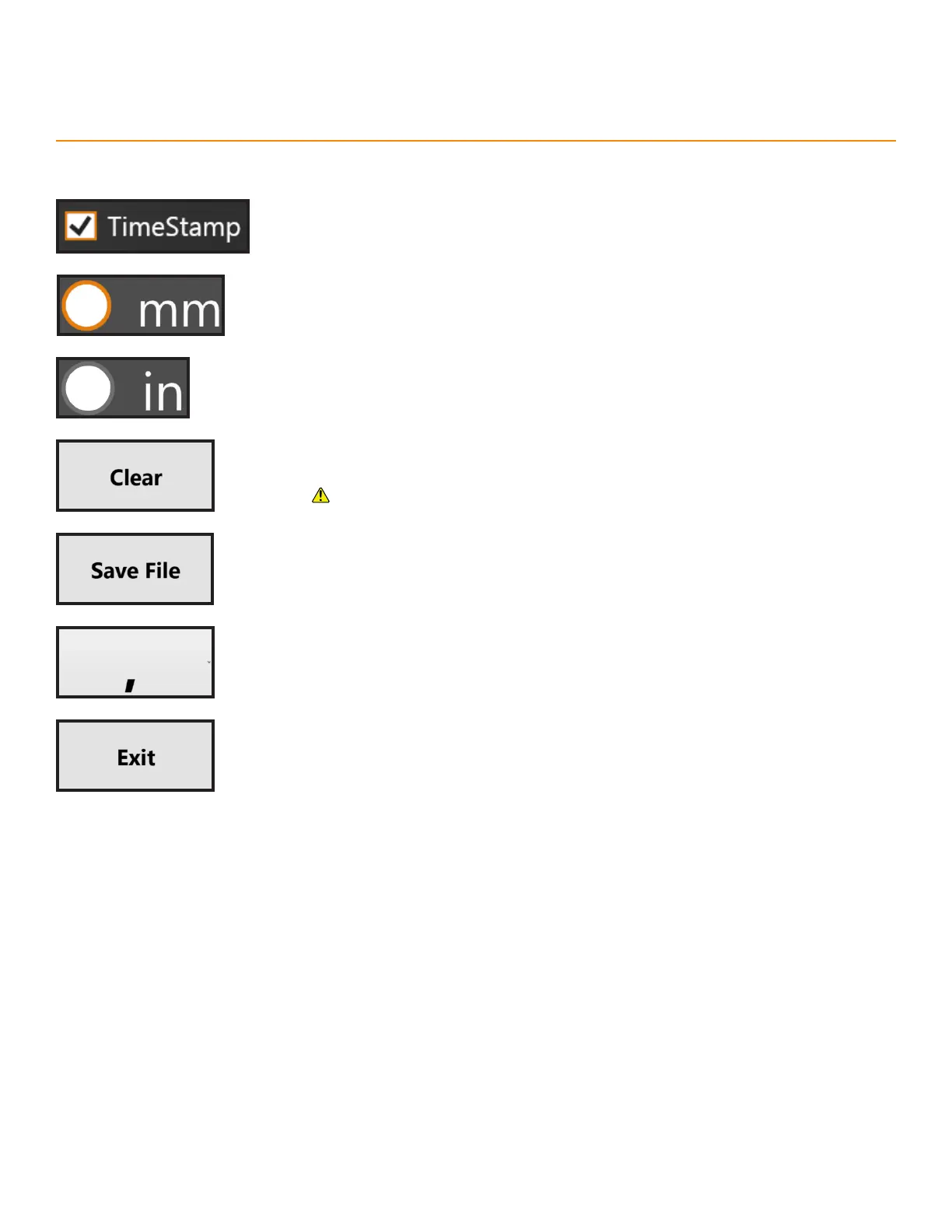
TimeStamp: Includes time data for each position in the session log.
Millimeters Radio Button: Select to record lengths in millimeters
Inches Radio Button: Select to record lengths in inches.
Clear: Deletes all data from the session log.
This deletion is permanent.
Save File: Saves the session log as a text file.
Appendix A: TigerSPC Display Software
Delimiter: Chose a character to divide data in the save file.
Exit: Close TigerSPC display software.



 To Next Page