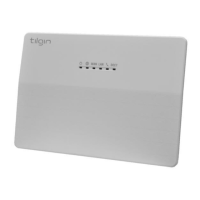
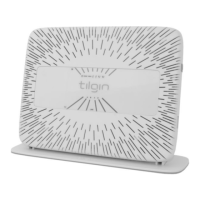
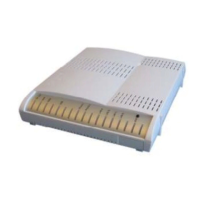
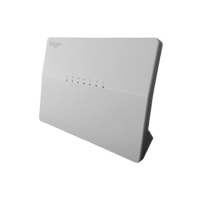
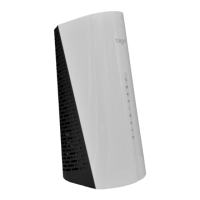
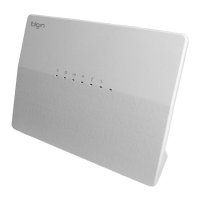
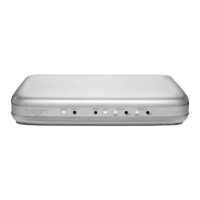
-Tilgin HG320 Series Quick Guide
Contents
1. Introduction ................................................................................................................. 1
2. Delivered with the Home Gateway Unit .................................................................. 1
3. Home Gateway Overview ......................................................................................... 2
3.1. Home Gateway cable attachments ................................................................. 2
3.2. Home Gateway Interfaces ................................................................................ 3
3.3. LEDs Front Panel .............................................................................................. 4
4. Installing the Home Gateway ................................................................................... 5
4.1. Connecting to the Internet (WAN) ................................................................... 6
4.2. Power on the Home Gateway .......................................................................... 6
4.3. Automatic Provisioning ..................................................................................... 6
4.4. Connecting a computer to your Home Gateway ........................................... 6
4.5. Configuring your computer/device .................................................................. 6
4.6. Connecting phones / equipment...................................................................... 7
5. Troubleshooting Tips ................................................................................................ 8
6. Safety Information ..................................................................................................... 9
7. Safety Recommendations ........................................................................................ 9
8. Power Supply ........................................................................................................... 10
9. Approvals and Conformity ...................................................................................... 10
10. Technical Specifications ......................................................................................... 12
11. Environmental Information ..................................................................................... 12
12. Warranty ................................................................................................................... 12
13. Notice of Copyright and Patent Protection ........................................................... 12
14. How to Wall-Mount the Home Gateway ............................................................... 13
15. Used Acronymes ..................................................................................................... 14


 To Next Page