5
-Tilgin HG320 Series Quick Guide
4. Installing the Home Gateway
When the home gateway is connected, it will automatically be provisioned by
your operator. However, the level of configuration can vary from a completely
automatic configuration to full manual configuration, depending on what your
operator offers.
Follow the specific configuration instructions you may have received from your
operator.
The home gateway use Web GUI pages for local configuration with your
computer. Pages available in the Web GUI depend on your operator’s offering.
Home gateways and power supplies are electrical devices that can overheat
without ventilation.
Place standing or wall mounted on a firm and flat surface and do not cover or
crowd them with objects or clothing that prevents good ventilation.
Home gateways must always be installed away from heat sources and direct
sunlight.
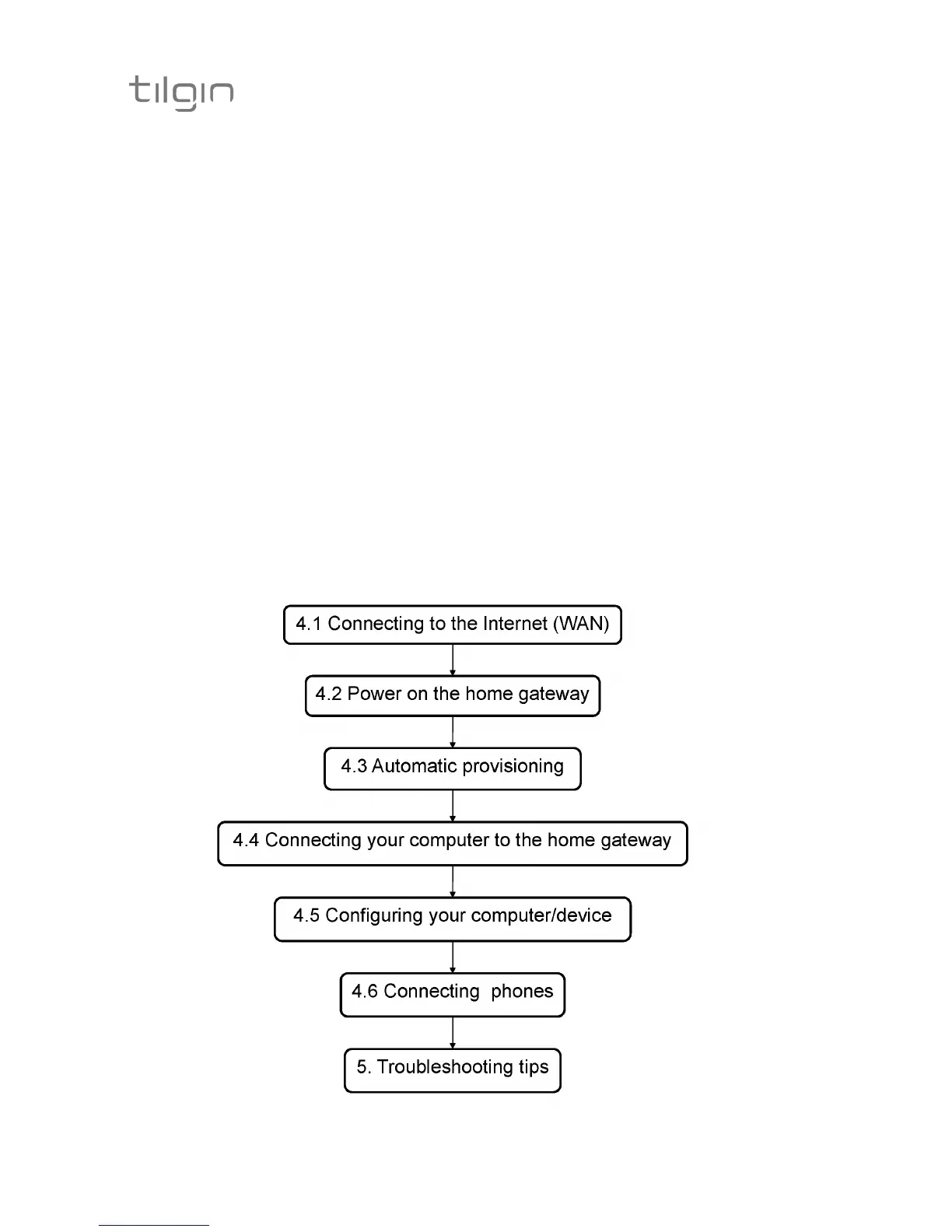
The flowchart below describes the procedures to install your home gateway and
is in detail explained in the following pages


 To Next Page