4
-Tilgin HG320 Series Quick Guide
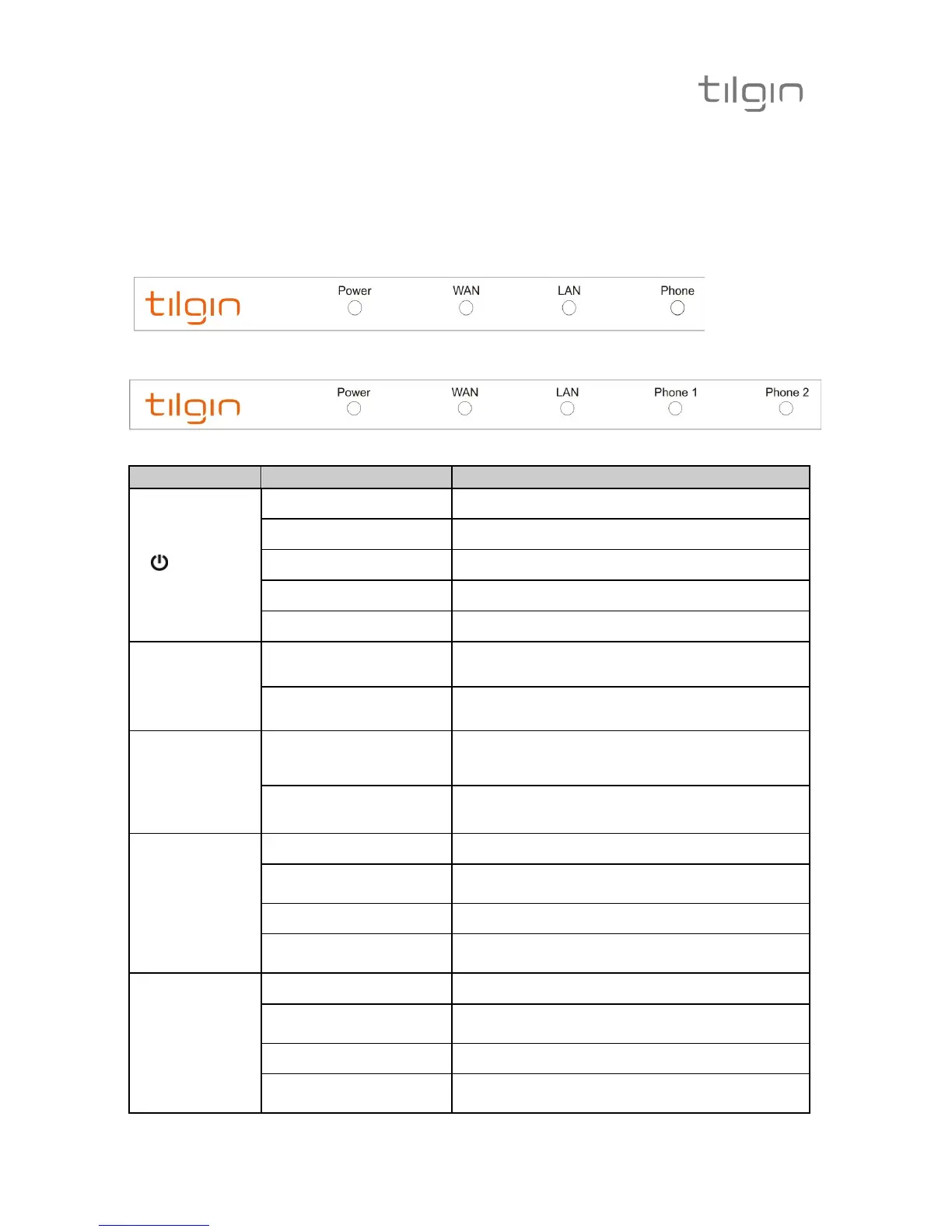
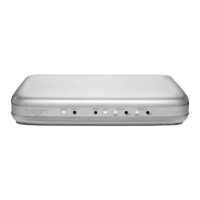
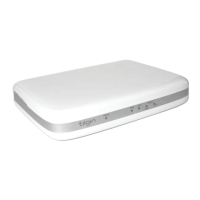
3.3. LEDs Front Panel
Front panel LEDs indicates the status of power and Home Gateway
connections. Ethernet LEDs are located on the rear
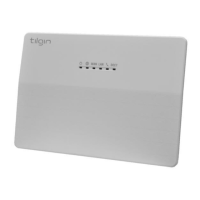
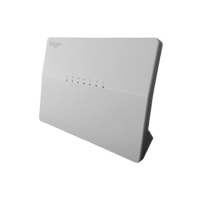
HG321 Front Panel
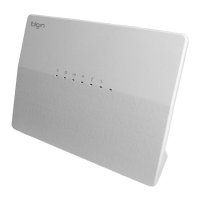
HG322 Front Panel
LED Signaling Indication
power
OFF No power
RED, Stable Not ready, boot in progress
RED, Slow Flash
Connection to operator failed
RED, Rapid Flash Upgrading or connecting
GREEN, Stable Normal operation
WAN
Ethernet
Connector
(Rear, Gray)
GREEN, Rapid Flash Traffic activity
GREEN, Stable Link
LAN
Ethernet
Connectors
(Rear,
Yellow)
GREEN, Rapid Flash
Traffic activity
GREEN, Stable
Link
Phone 1
OFF No telephone services configured
GREEN, Rapid Flash
One or more telephone services failed to
register
GREEN Short Flash Message waiting
GREEN, Stable
The telephone services to your Operator is
OK
Phone 2
(HG322)
OFF No telephone services configured
GREEN, Rapid Flash
One or more telephone services failed to
register
GREEN Short Flash Message waiting
GREEN, Stable
The telephone services to your Operator is
OK


 To Next Page