- 18 -
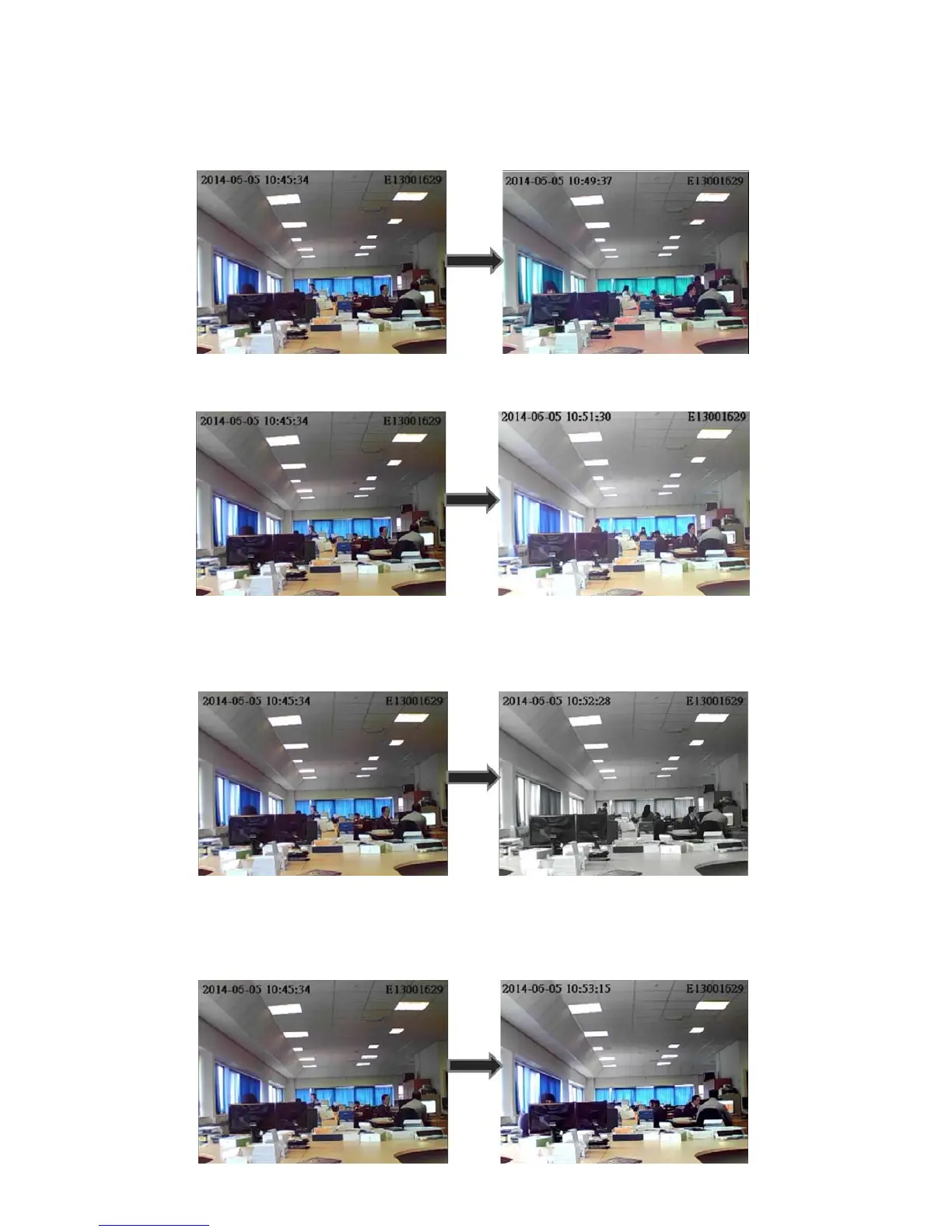
Hue – This is the balance of the red, green and blue colour. Changing this
will make one of these colours stand out more. (See image 1)
Brightness – This will alter the brightness of the image (See image 2)
Saturation – This allows you to view the image in black and white or in
colour, 1 being black and white. (See image 3)
Contrast – This makes the colours bolder and allow certain colours and
outlines to stand out more. (See image 4)



 To Next Page