- 14 -
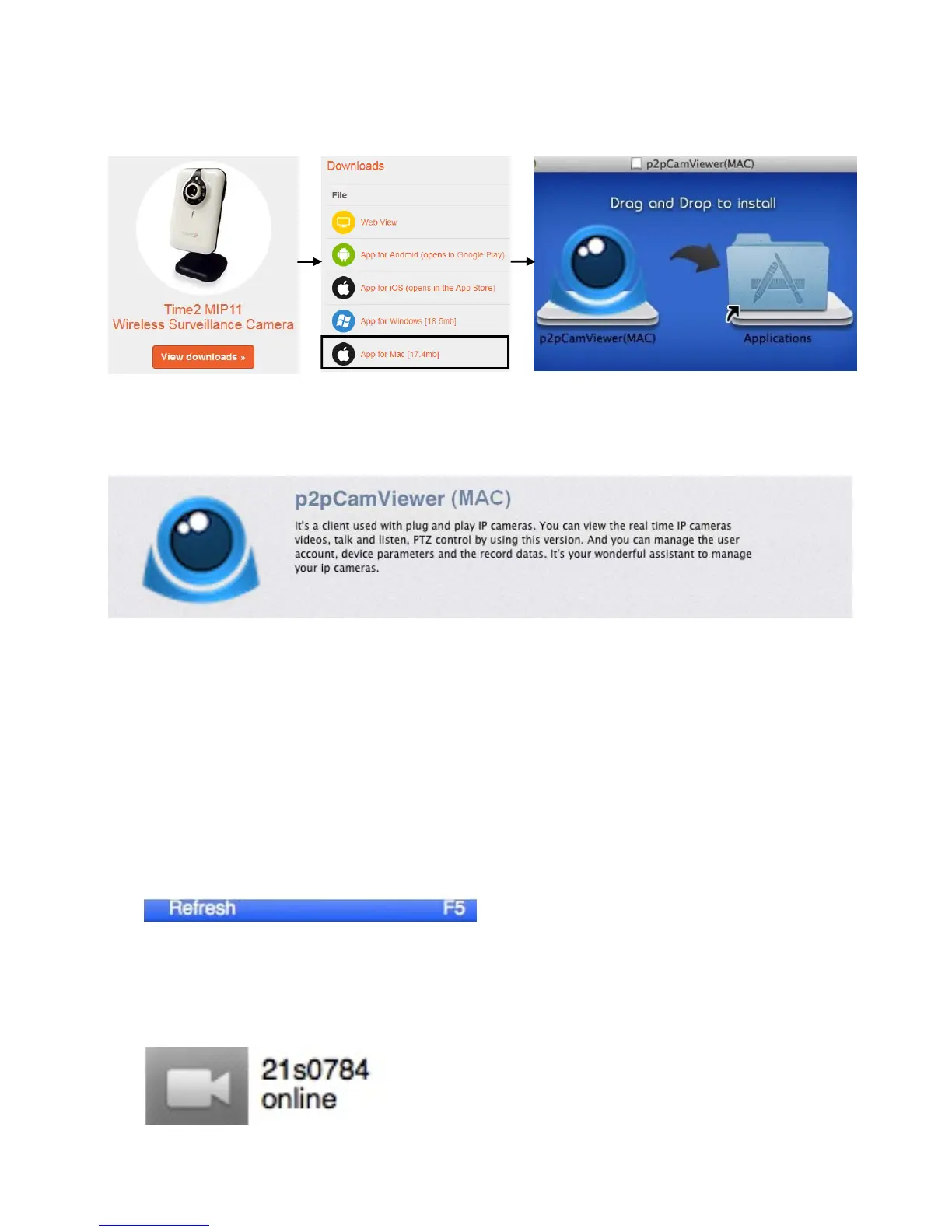
5. Drag and drop the file to install the software.
PLEASE NOTE: You can also download the software in the Apple App Store, Please search
“p2pCamViewer (MAC)” to install it.
Connecting to the software
Open the ‘SYSM Monitor’ program. The desktop icon is
called SYSM Monitor.
When the camera is connected to the router, open the LAN tab and then
right click on the blank area. You will see an option for ‘Refresh’.
When the camera is connected to the software, you will see the camera
name and under the name is the status of the camera.



 To Next Page