- 16 -
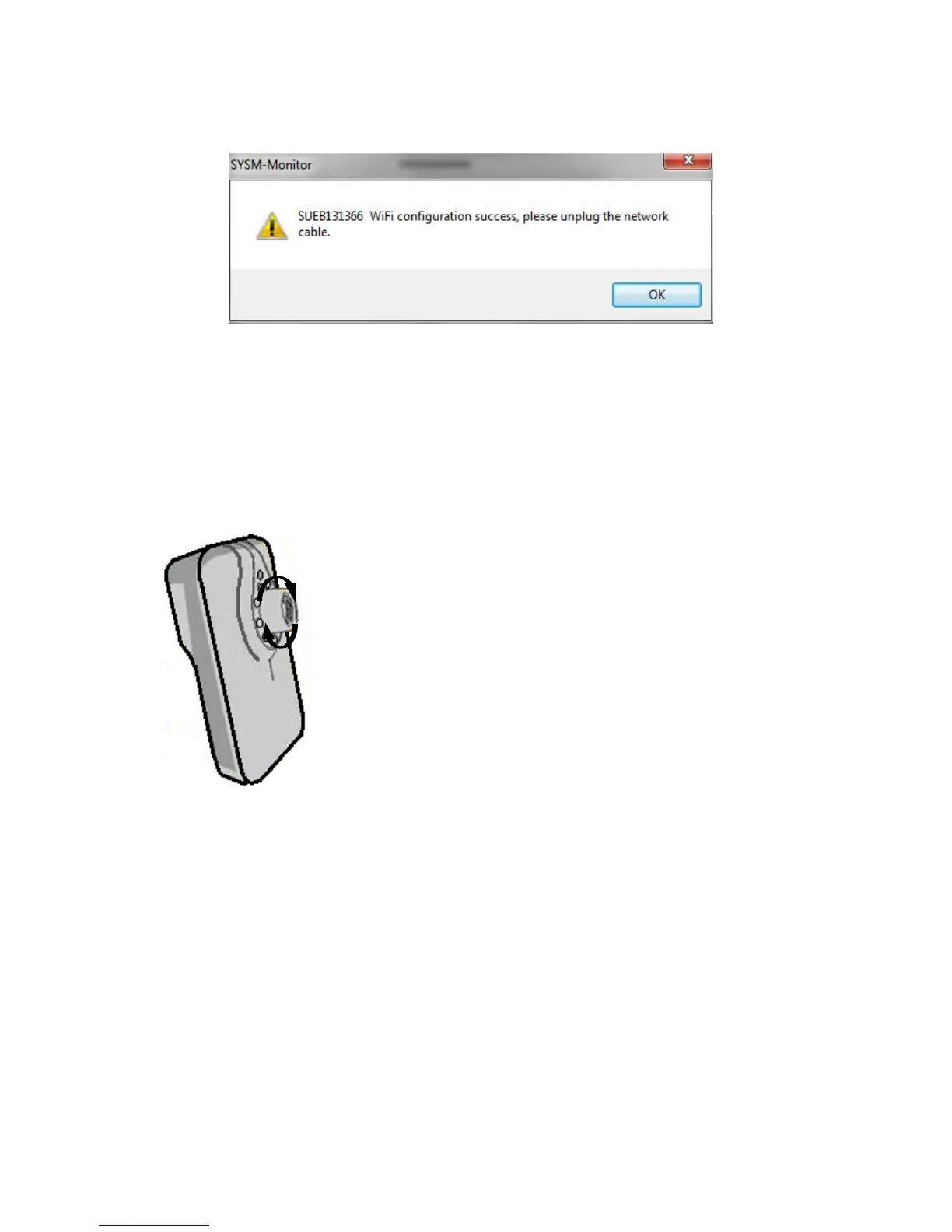
Upon completion. Press Ok and the following window will appear.
After WIFI connections succeeded, the wireless device may be found
offline after refreshing, please unplug the network cable to restart the
device.
It may take a few minutes for the camera to connect to your WiFi
and may also make a slight noise.
Adjusting the camera lens
The first step of the process is to adjust the camera
focus lens.
To do this the camera will need to be online, click
to view the camera.
To adjust the camera lens, twist the camera lens
until you see the sharpest focus point. You will
need to keep checking the viewing screen on the
software.
Functions on the control panel.
On the software, you will see a control panel. Not all options in this panel
are available, this will vary depending on the camera you have.
The control panel will be very similar for the Windows and Apple Mac PC.


 To Next Page