22
Photos
Using the Photos app, you can view photos and watch videos that you’ve taken,
downloaded, or copied onto your storage card or phone memory. For pictures that
are on your storage card or phone memory, you can do basic editing such as rotating
and cropping.
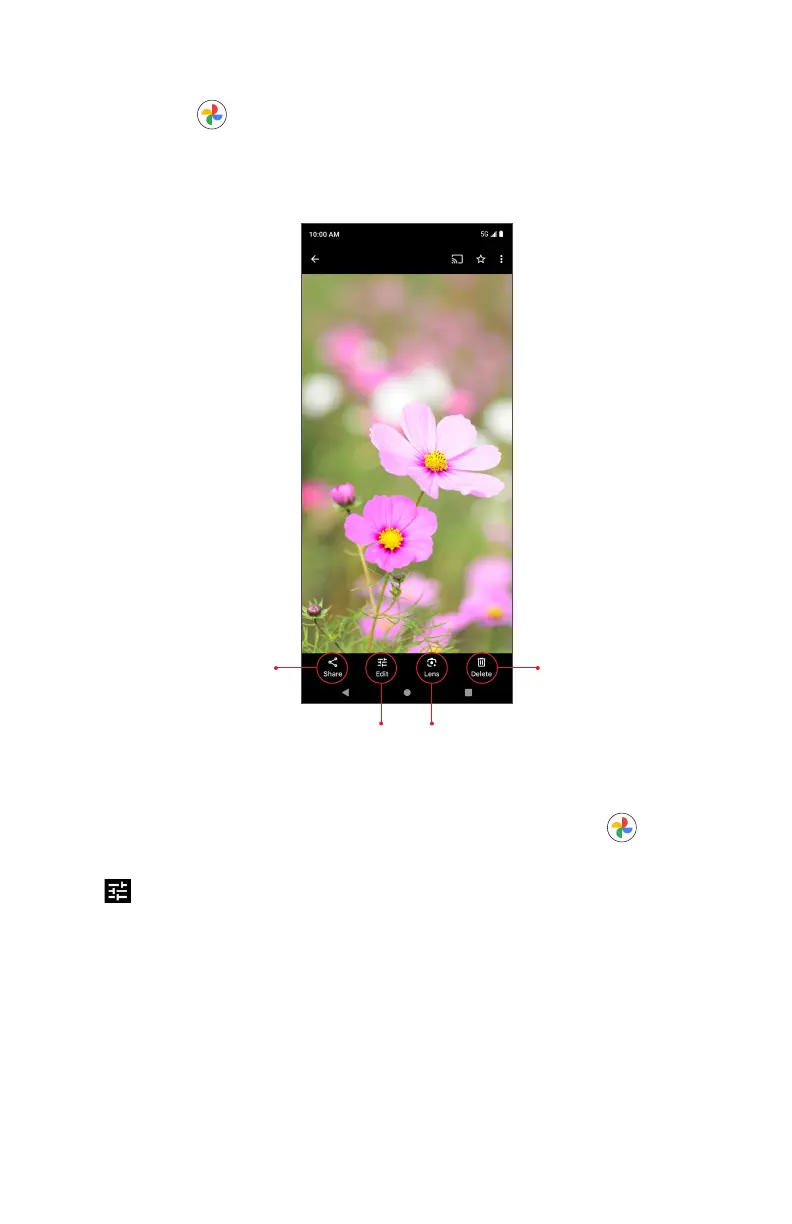
Share photo
Delete photo
Search using Google LensEdit photo
Edit photos
1. From the Home screen, swipe up to access Apps and tap Photos .
2. Tap the picture you want to edit.
3. Tap to access the Edit screen.
4. When nished, tap Save copy to save a copy of your photo.



 To Next Page