6
Setup
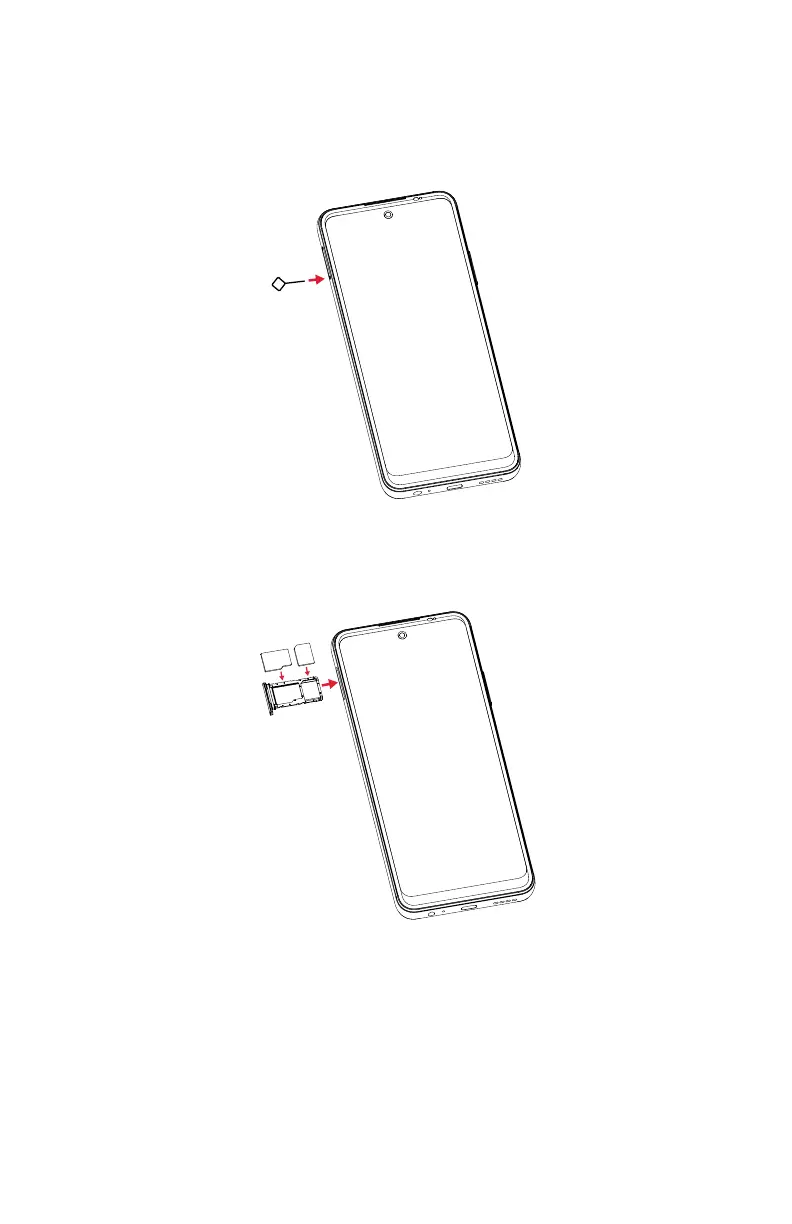
Install a Nano SIM/microSD card
1. Inse the included SIM pin to eject the SIM tray.
2. Place or remove the Nano SIM card and microSD™ card with the metal contacts
facing down into the tray. Gently slide the SIM tray back into the slot. Gently slide
the SIM tray back into the slot.
microSD
SIM
Note: MicroSD™ card is sold separately.



 To Next Page