8
Turn your phone on and o
The instructions below explain how to turn your phone on and o.
Turn your phone on
Press and hold the Power key until the device turns on.
Turn your phone o
There are two ways you can use to turn your phone o.
• Press the Power key and the Volume up key at the same time, and tap Power o.
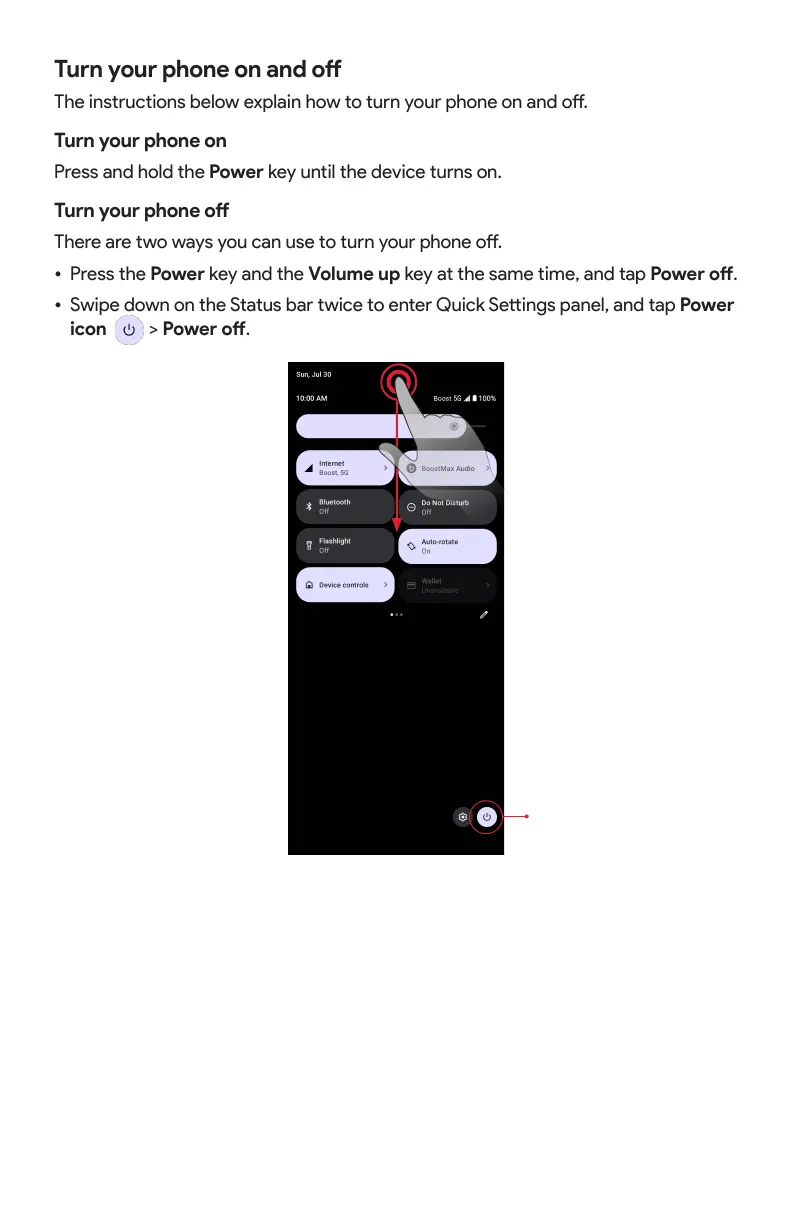
• Swipe down on the Status bar twice to enter Quick Seings panel, and tap Power
icon
> Power o.
Power icon
Complete the setup screens
Once your phone is powered on, you will need to run Setup. The Setup Wizard will
appear to guide you through the basic seings on your device.
Follow the instructions to nish your phone setup.



 To Next Page