7
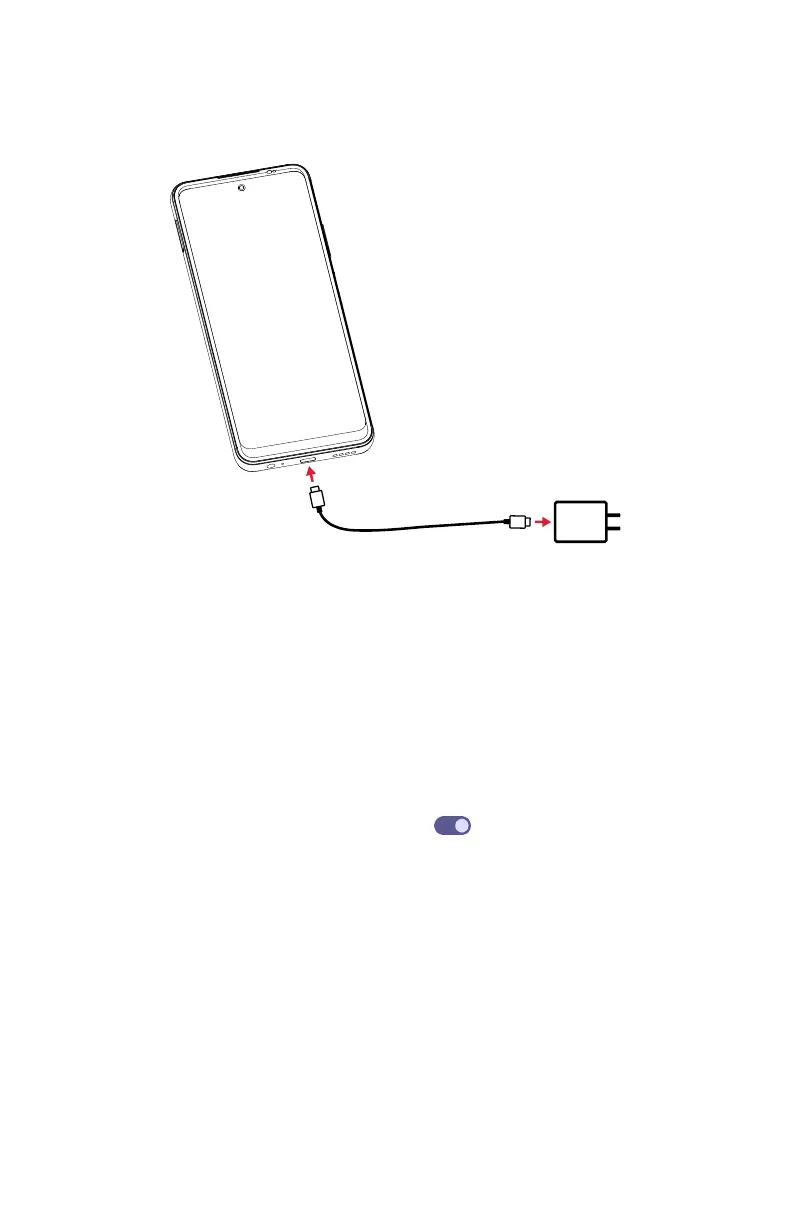
Charge the baery
1. Connect one end of the data cable to the USB po located on the boom of your
phone.
2. Connect the other end to the power adapter.
3.
Connect the power adapter to an electrical outlet to fully charge your phone.
Note: Use the power adapter that comes with your phone; using other adapters
may damage your phone.
Optimize your battery life
To optimize your battery life, you can make the following adjustments:
• Turn on power saving mode: Go to Seings > Baery > Baery Saver, and
slide the Use Baery Saver switch to the On
position.
• Lower screen brightness: Go to Seings > Display > Brightness level, and slide
the brightness bar to the le.
• Screen timeout: Go to Seings > Display > Screen timeout, and select proper
timeout duration.



 To Next Page