Getting Started
• Eyeprotectiondesignedforpaintballusemustbewornbytheuserandanyperson
withinrange.
• Donotdisassemblethismarkerwhileitispressurized.
• Donotpressurizeapartiallyassembledmarker.
• Readeachstepcompletelybeforeperformingtheinstruction.
NOTE:Carefullyhandstartallthreadedpartswhenassembling,anddonotovertighten,as
thismaypotentiallystripthethreadedparts.Inthismanual,itemnumbersofpartsarein
parentheses.YoucanalsondtheseitemnumbersinthePartsDiagramonpages26-27.
1. CO2 Cartridge Installation
IfyourmarkerhastheoptionalRemoteLineadapter,readthe
Air/CO2 Cylinder Warnings, Safety Tips, and Removal onpages22-24beforebeginning
thecylinderinstallation.Donotpressurizeapartiallyassembledmarker.FollowtheRemote
Lineinstructionsstartingonpage21,thengotostep2onpage9.
a. PutthetriggersafetyinSafemode(seepage6)andinstall
thebarrelblockingdevice(seepage4).
b. RemovetheCO2Cap.ThisCO2Caphasasafety
feature.YoumustpushinwhileturningtheCO2Cap
counterclockwiseuntilitstops.Next,pulltheCO2Cap
outwardandturncounterclockwiseagainuntilitstops.The
CO2Capcannowberemovedfromthemarker.
c. Cleanthesmallendofafull12gramCO2cartridge.Insert
thesmallendintothemarker.
d. ReplacetheCO2Cap.AligntheCO2Cap’stabswiththe
slots,pushinontheCO2Capandturnclockwiseuntilit
stops.PushinontheCO2Capasecondtimewhileturning
theCO2Capclockwise.
Note:TheCO2cartridgeisnotpuncturedduringinstallation.Onceyoupushthetriggersafety
toFiremode,therstpulloftheTriggerpuncturestheCO2cartridge.YoucanheartheCO2
cartridgepressurizethemarker.YourmarkerisnowreadytoreonthenextTriggerpull.
IMPORTANT:Ifyourmarkerbeginstoleakgas,keepexposedskinawayfromtheescaping
gas(thearrowsintheWARNINGillustrationaboveshowgasescapepoints)andfollowCO2
Cartridge Removal
instructionsonpage10(onpage21formarkerswithaRemoteLine
adapter)andthengotoTroubleshootingonpage19.
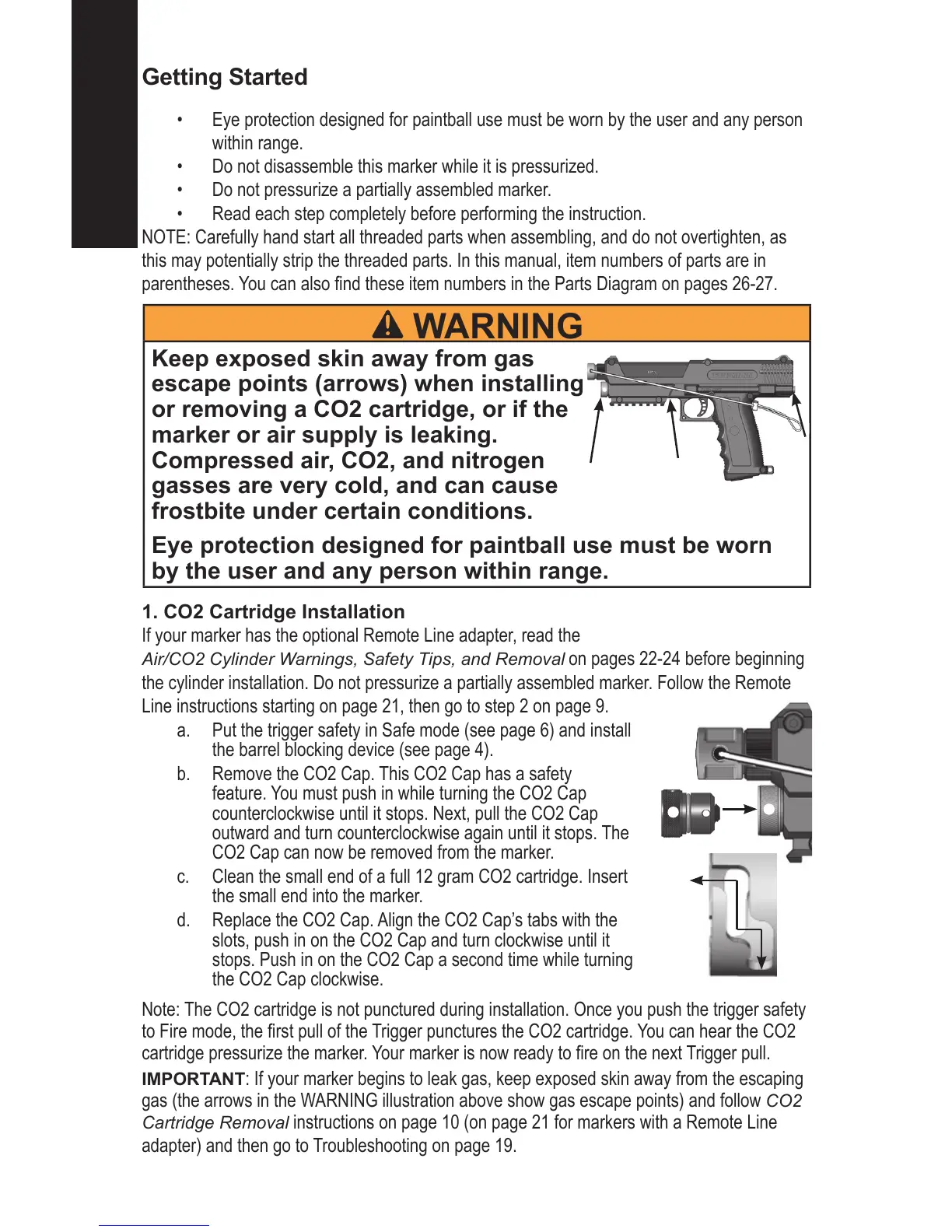
WARNING
Keep exposed skin away from gas
escape points (arrows) when installing
or removing a CO2 cartridge, or if the
marker or air supply is leaking.
Compressed air, CO2, and nitrogen
gasses are very cold, and can cause
frostbite under certain conditions.
Eye protection designed for paintball use must be worn
by the user and any person within range.




 To Next Page