Absence manager
30
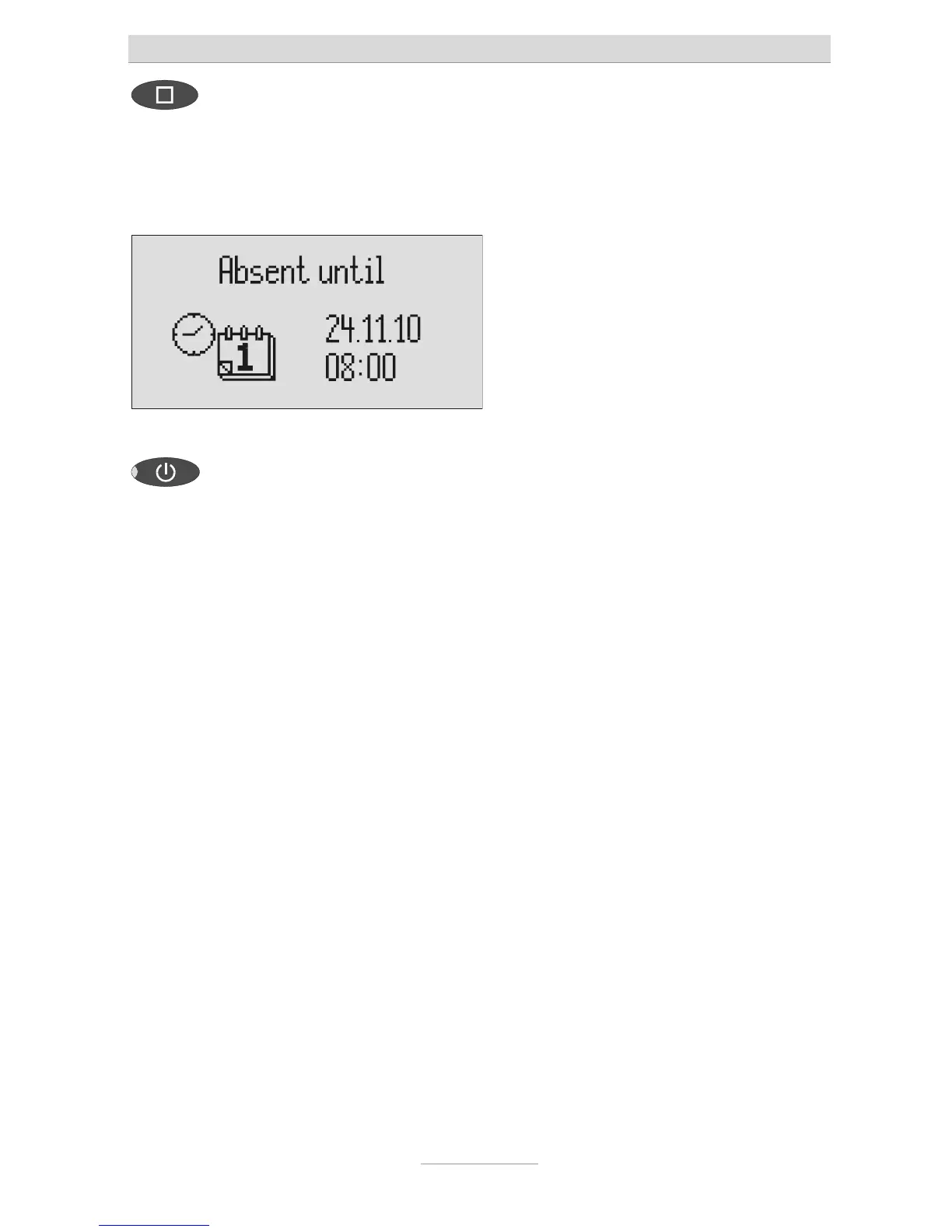
Press stop. The setting is complete, the LED in the
answering mode button lights up and the
display shows the absence time. Calls
are answered and the caller hears the
absence message.
Press Answer mode to end the
absence manager ahead of time.
The display changes and returns to the
initial state.
Timer switching times are not activated when the absence manager is active.



 To Next Page