Alarm dialler
84
Settings for alarm dialler
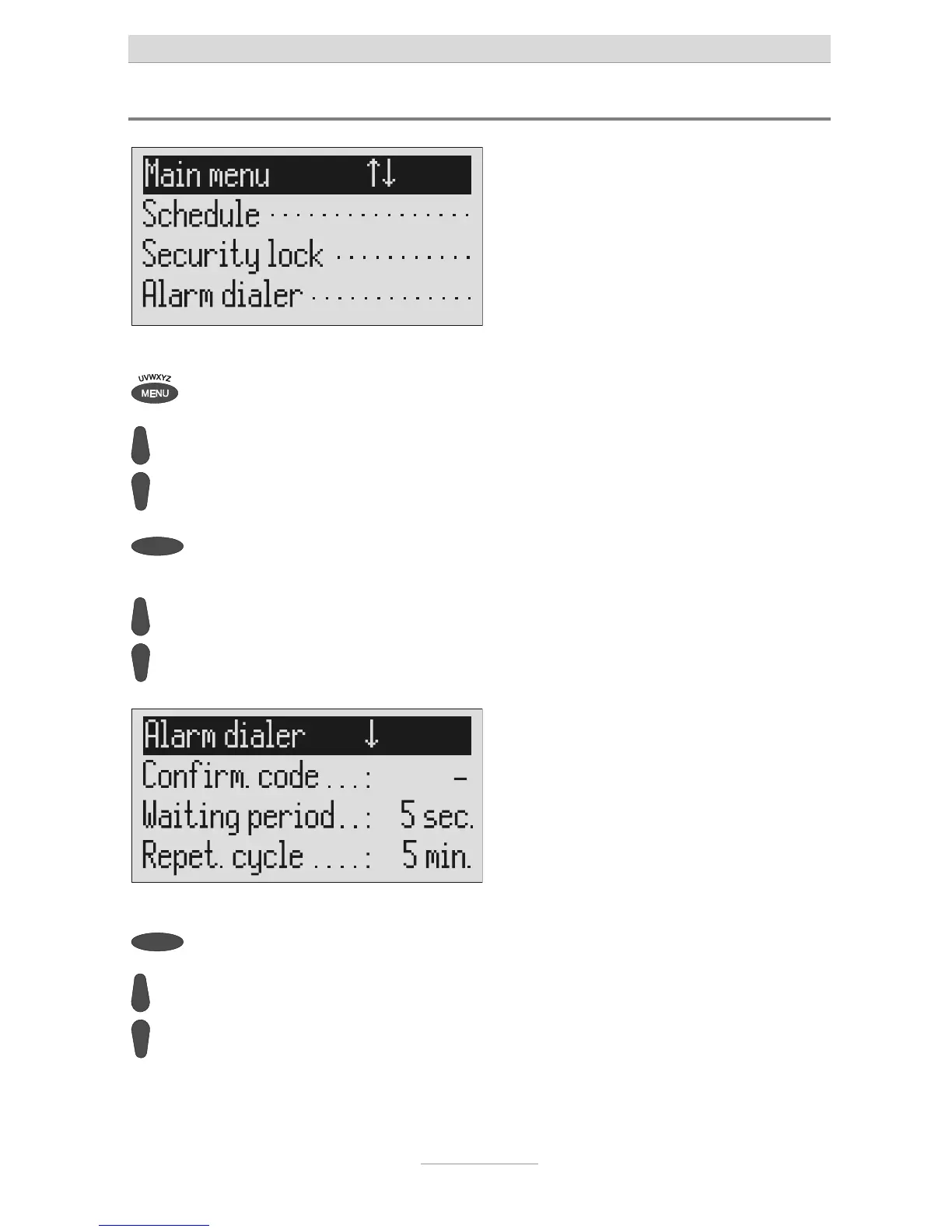
Press menu. The main menu is displayed.
Search for the "Alarm dialler" entry
using the control buttons
(up/down).
Press the selection button next to
alarm dialler.
The alarm dialler menu is shown in the
display.
Search for the desired setting
option using the control buttons
(up/down).
All setting options are displayed.
Press the selection button next to
he desired line and change the
entry using the control buttons
(up/down).
The display shows the current setting.



 To Next Page