Mailboxes
89
Setting up mailboxes
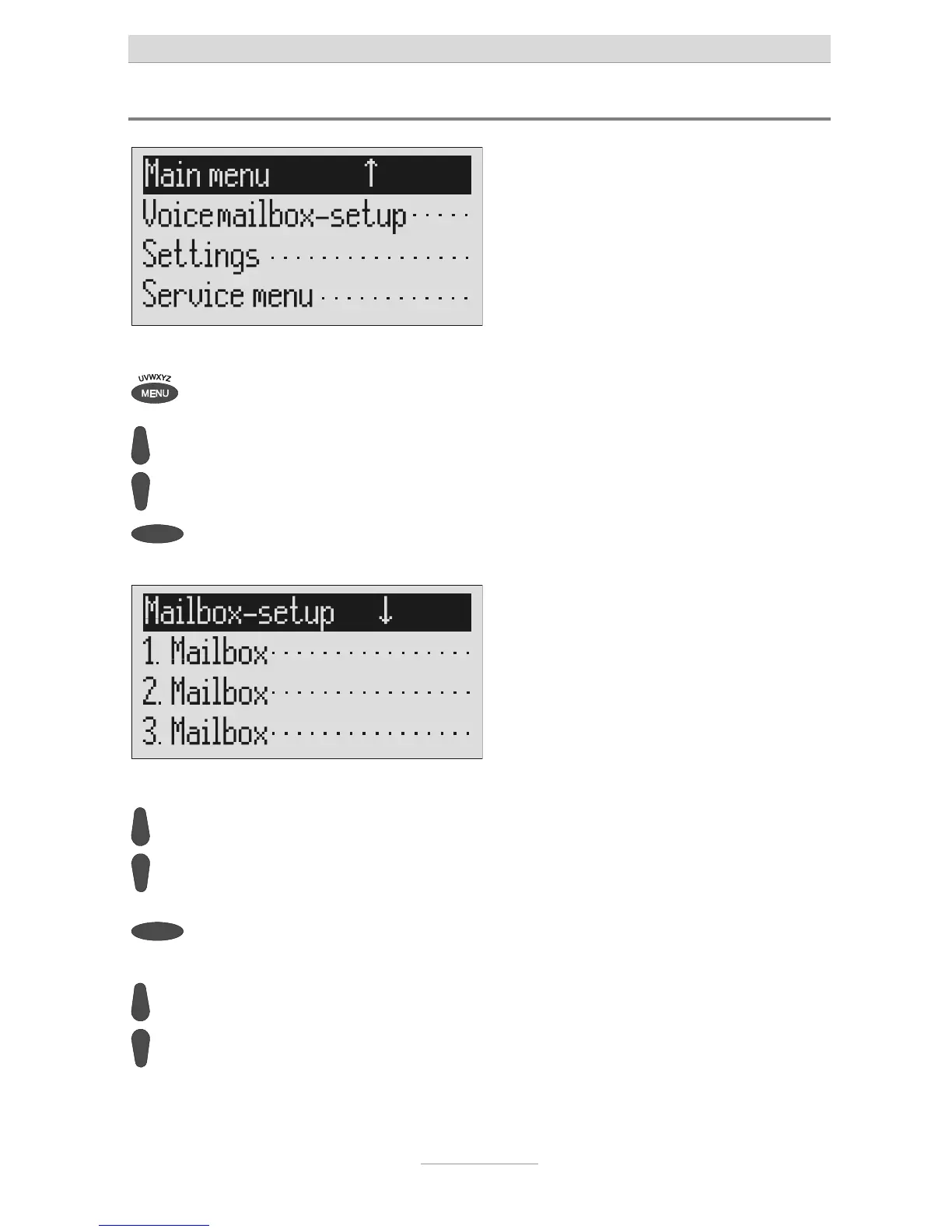
Press menu. The main menu is displayed.
Search for the "Set up mailboxes"
entry using the control buttons
(up/down).
Press the selection button next to
"Mailbox setup".
The mailbox setup menu is displayed.
Search for the desired mailbox
using the control buttons
(up/down).
4 mailboxes are displayed.
Select the desired mailbox using the
selection button.
The settings menu for the selected
mailbox is displayed.
Search for the desired setting
option using the control buttons
(up/down).
All setting options are displayed.



 To Next Page