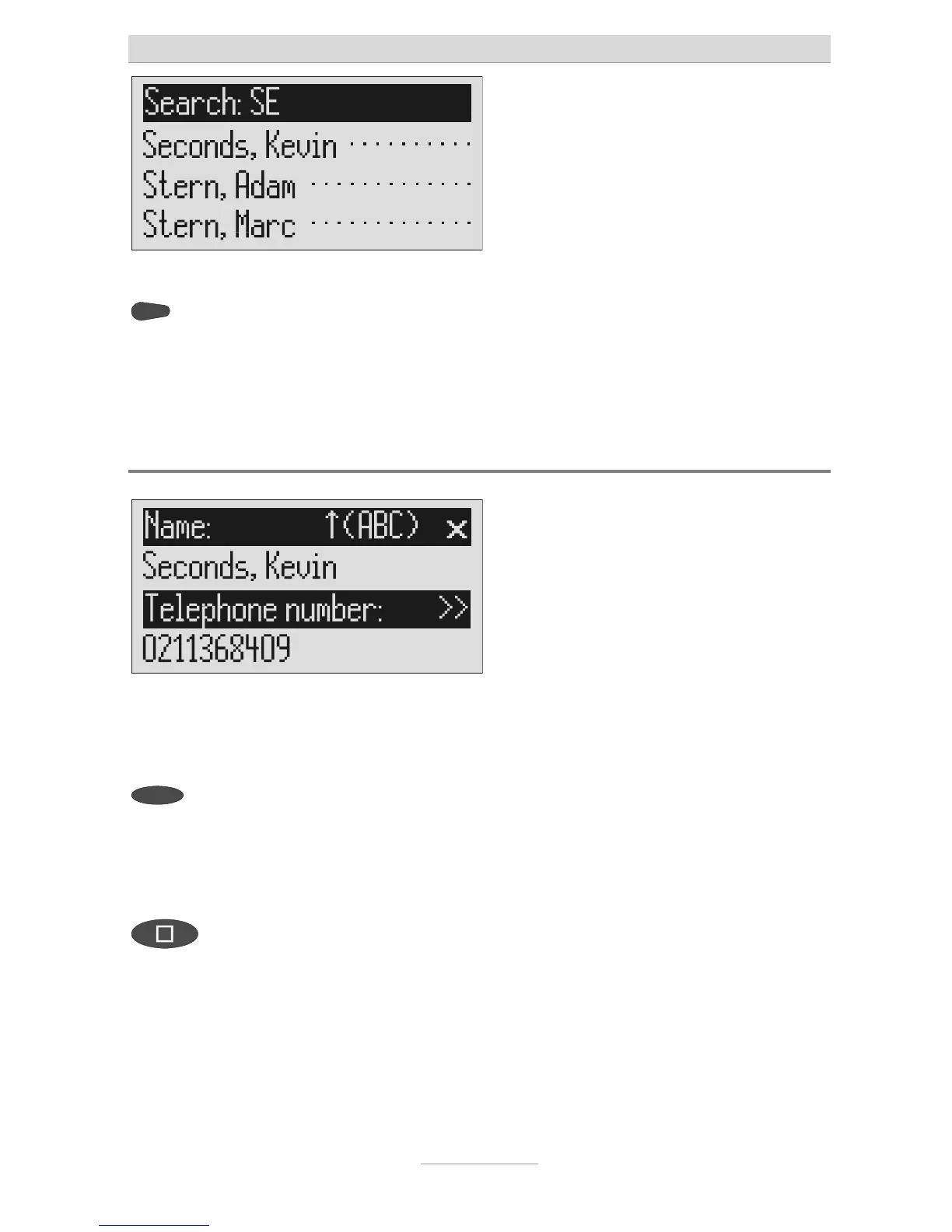
ou can enter (up to 5) other letters
for the search using the control
button (right) and the
corresponding entry keys.
The corresponding entries are displayed
for selection.
Checking and changing entries
Search for names as described
under "Search entries".
2s
Press the selection button next to
elephone number are displayed. The
entry location flashes.
Carry out the required changes.
To stop the entry press stop several



 To Next Page