Appointments
77
Appointments
Your tiptel 570 SD can manage up to 20 appointments conveniently. You can
choose between one-off and repeat appointments. Additional information on each
appointment facilitates assignment. If an appointment is due this is indicated via the
display and notified by an acoustic signal.
Entering and managing appointments
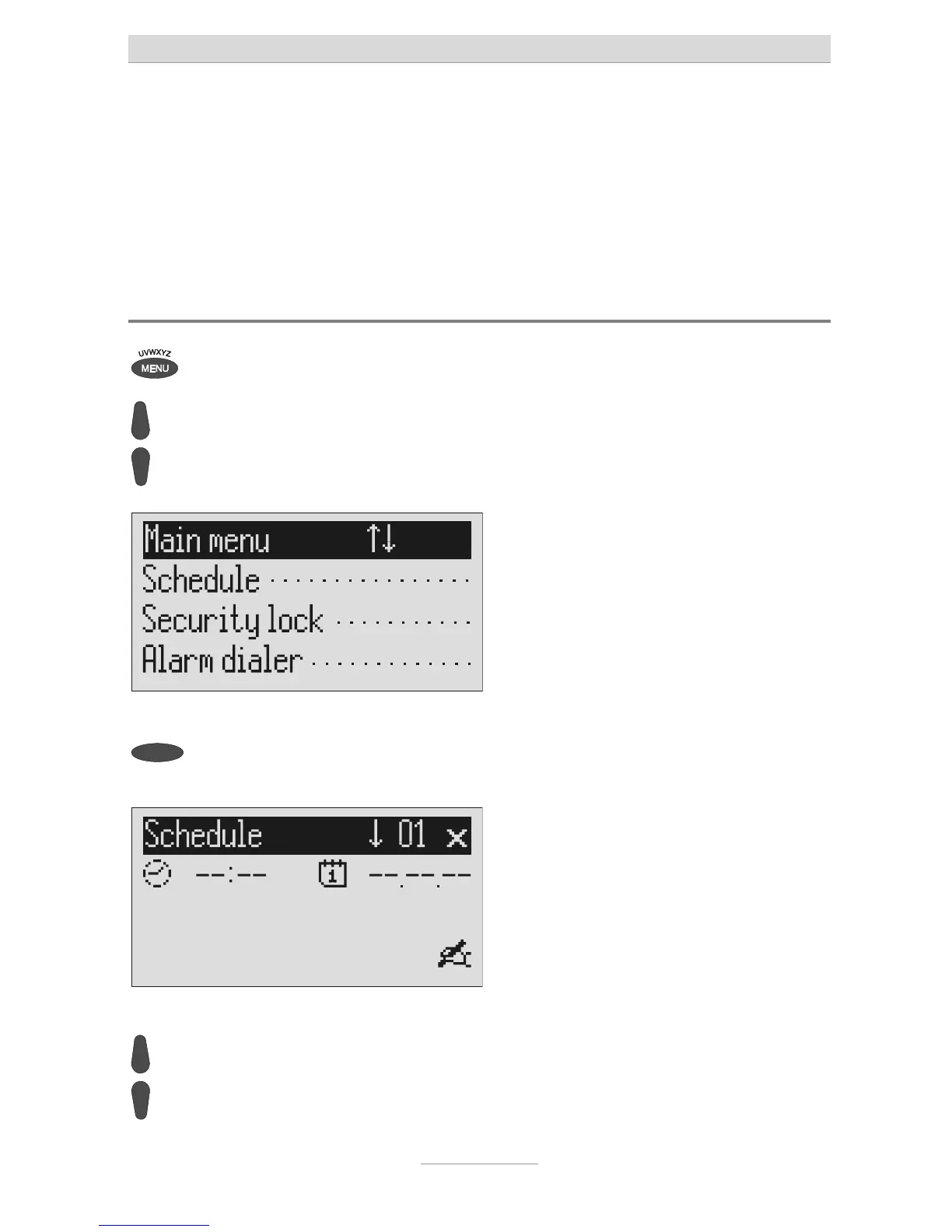
Press menu. The main menu is displayed.
Search for the "Schedule" entry
using the control buttons
(up/down).
Press the selection button next to
"Schedule".
The entry field for the first appointment is
displayed.
ou can search the individual
appointments using the control
buttons (up/down).
The display switches between the 20
possible appointments.



 To Next Page