Telephone book
35
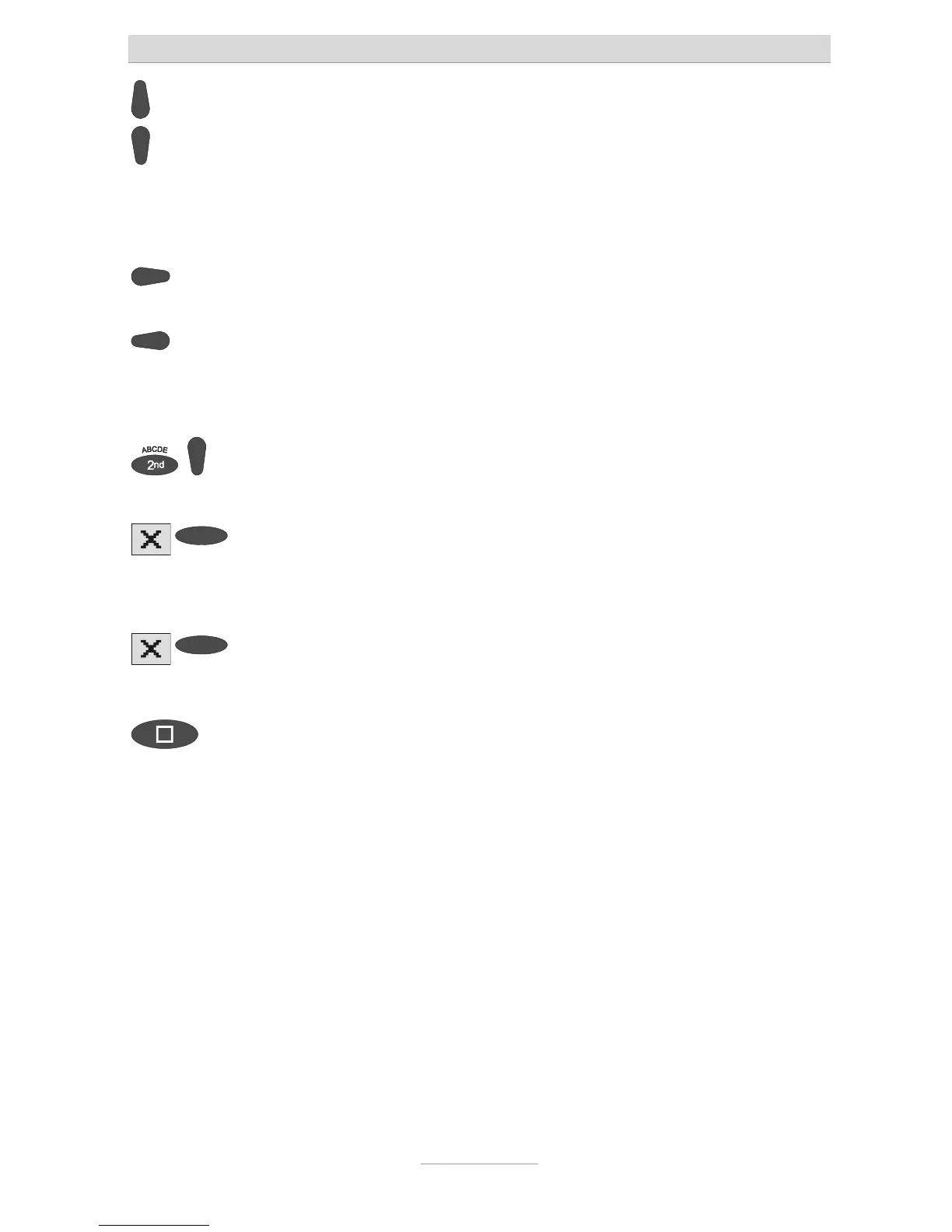
Enter the first digit of the call
number using the control buttons
(up/down).
Digits and special symbols are displayed.
The special symbols have the following
meanings:
~ = Wait for dial tone / 3 Sec. pause
i = Internal (for PABX)
F = Flash (fur PABX)
H = Hook flash (fur PABX)
Press control button (right) to
change to the next entry location.
The cursor to the next entry location.
Use the control button (left) to
move the cursor once place
backwards, for example to
overwrite a character.
The cursor moves to the left.
ou can insert a character by
pressing secondary function and
he control button (down).
An empty space is inserted to the left of
he cursor.
To delete an entry move the cursor
o the location and press the
selection button next to the delete
symbol.
The character under the cursor is
deleted.
2s
To delete the whole entry press the
selection button next to the delete
symbol for 2 seconds.
The whole entry is deleted.
To stop the entry press stop several
imes.
The entry is stored. The initial state is
again displayed.
For PABX the prefix for the public telephone network is dialled before each
call number (refer also to Page 95 "Settings, PABX/prefix"). To suppress this
enter "i" before internal call numbers.



 To Next Page