Short messages (SMS)
57
Press control button (right) to
change to the next entry location.
The cursor to the next entry location.
Use the control button (left) to
move the cursor once place
backwards, for example to
overwrite a digit.
The cursor moves to the left.
To transfer a call number from the
elephone book, press the selection
button next to the "Insert" symbol.
The call number is entered to the left of
he cursor.
Search for names as described
under "Search entries" ("Telephone
book" chapter Page 36).
ou can insert a character by
pressing secondary function and
he control button (down).
An empty space is inserted to the left of
he cursor.
To delete an entry move the cursor
o the location and press the
selection button next to the delete
symbol.
The character under the cursor is
deleted.
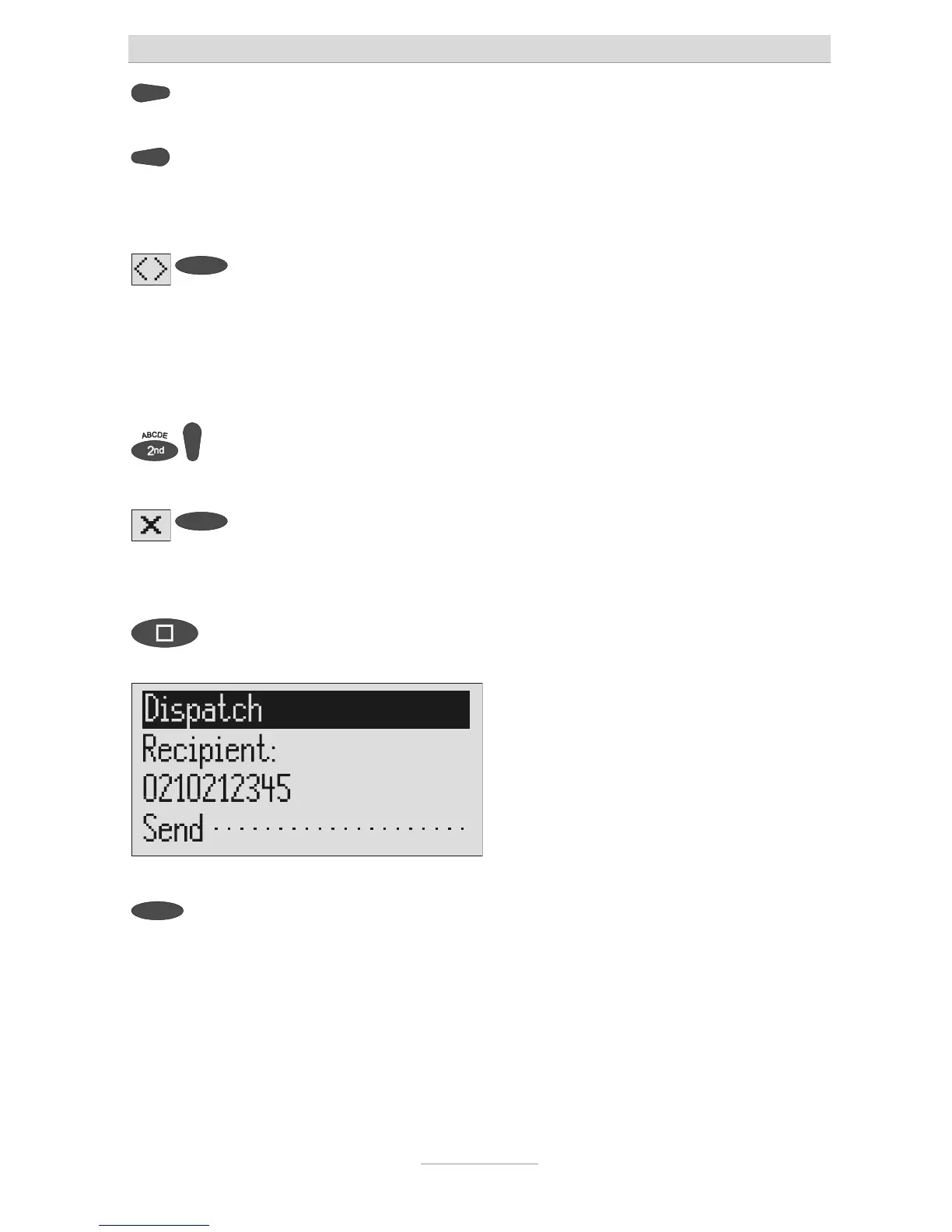
To transfer the call number press
stop.
The call number is transferred and
"Dispatch" is displayed.
To start the transfer, press the
selection button next to "Dispatch".
The device creates the connection to the
message centre and transfers the outbox
o the selected recipient's call number.
Then the messages menu is displayed
again.



 To Next Page