Call forwarding
72
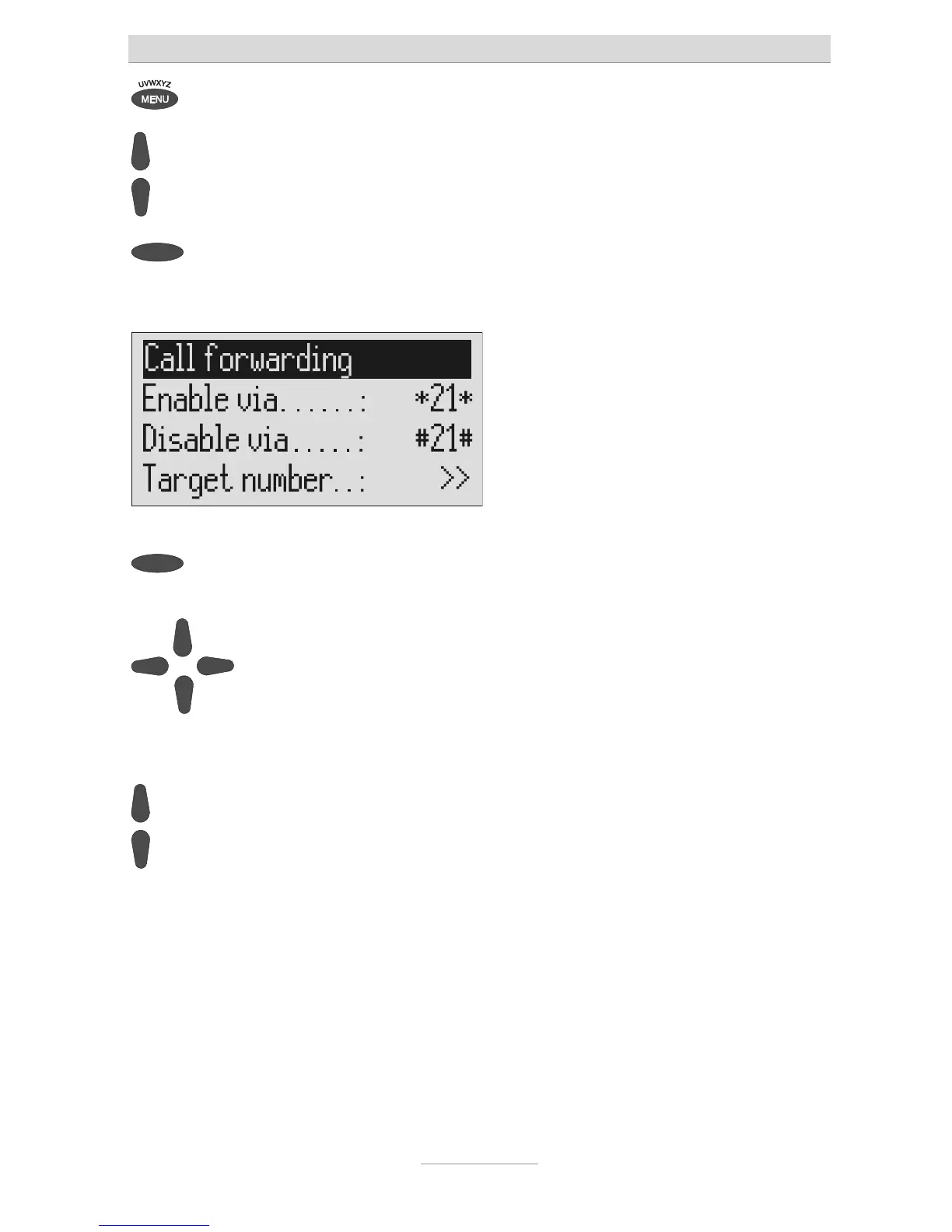
Press menu. The main menu is displayed.
Search for the "Call forwarding"
entry using the control buttons
(up/down).
Press the selection button next to
"Call forwarding".
The call forwarding menu is shown in the
display.
Press the selection button next to
he setting that you wish to change.
The cursor is located at the entry point.
Select the desired entry location
using the control buttons (left/right)
and change it with the control
buttons (up/down).
The display shows the current setting.
or
When entering the target call
number set the first digit using the
control buttons (up/down).
Digits and special symbols are displayed.
The special symbols have the following
meanings:
~ = Wait for dial tone / 3 Sec. pause
i = Internal (for PABX)
F = Flash (short, for PABX)
H = Hook flash (long, for PABX)



 To Next Page