Audio Settings
Volume
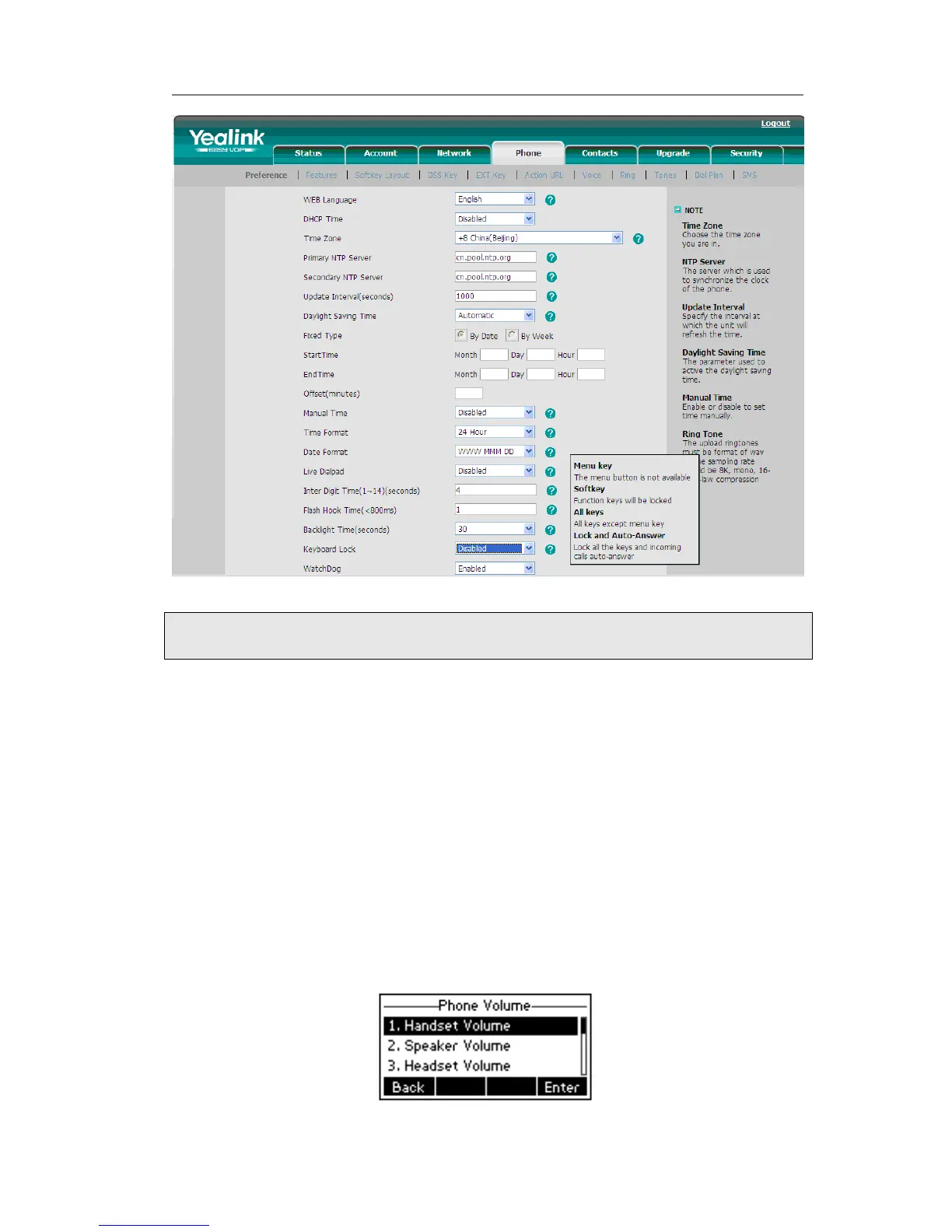
You can adjust the volume of handset/speaker/headset/Ring Volume.
To adjust the volume when you are not in an active call:
1) Press Menu->Settings->Basic Settings.
2) Scroll to Phone Volume, and press Enter hot key, highlight the one you want to
adjust the volume, use the Volume Adjustment Bar or navigation keys to adjust the
volume.



 To Next Page