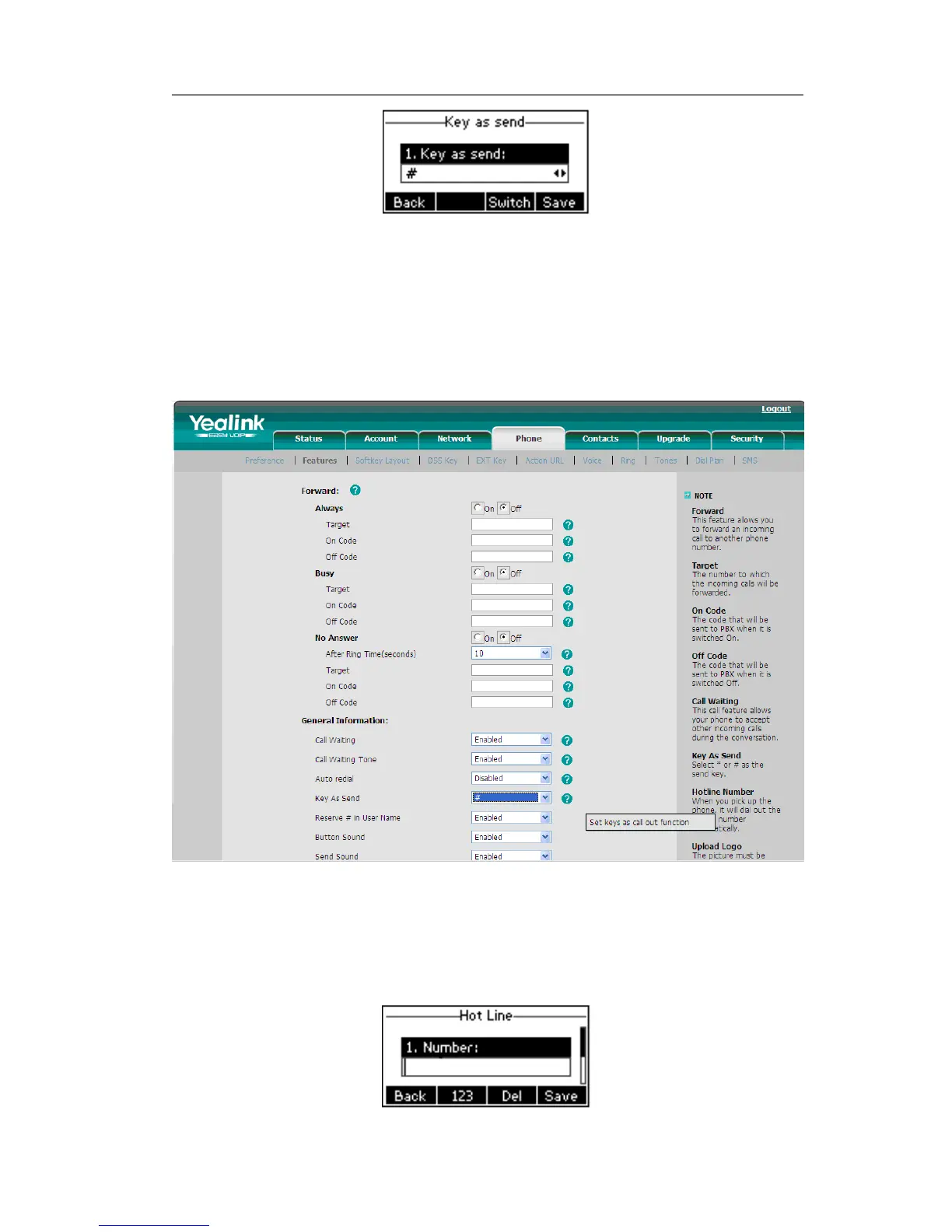
2) Press the Switch hot key to choose a button that you want to use as the send key:
“#”, “*”, or disable this option.
3) Press the Save hot key to save the changes.
To set the send key via the Web interface:
1) Choose Phone-> Features-> Key As Send.
2) Highlight the specific one in the pull-down menu, then click the Confirm button to
save the change.
Hot Line
To set the hot line number via the IP phone interface:
1) Press Menu->Features->Hot Line->Enter to enter the configuration page.



 To Next Page