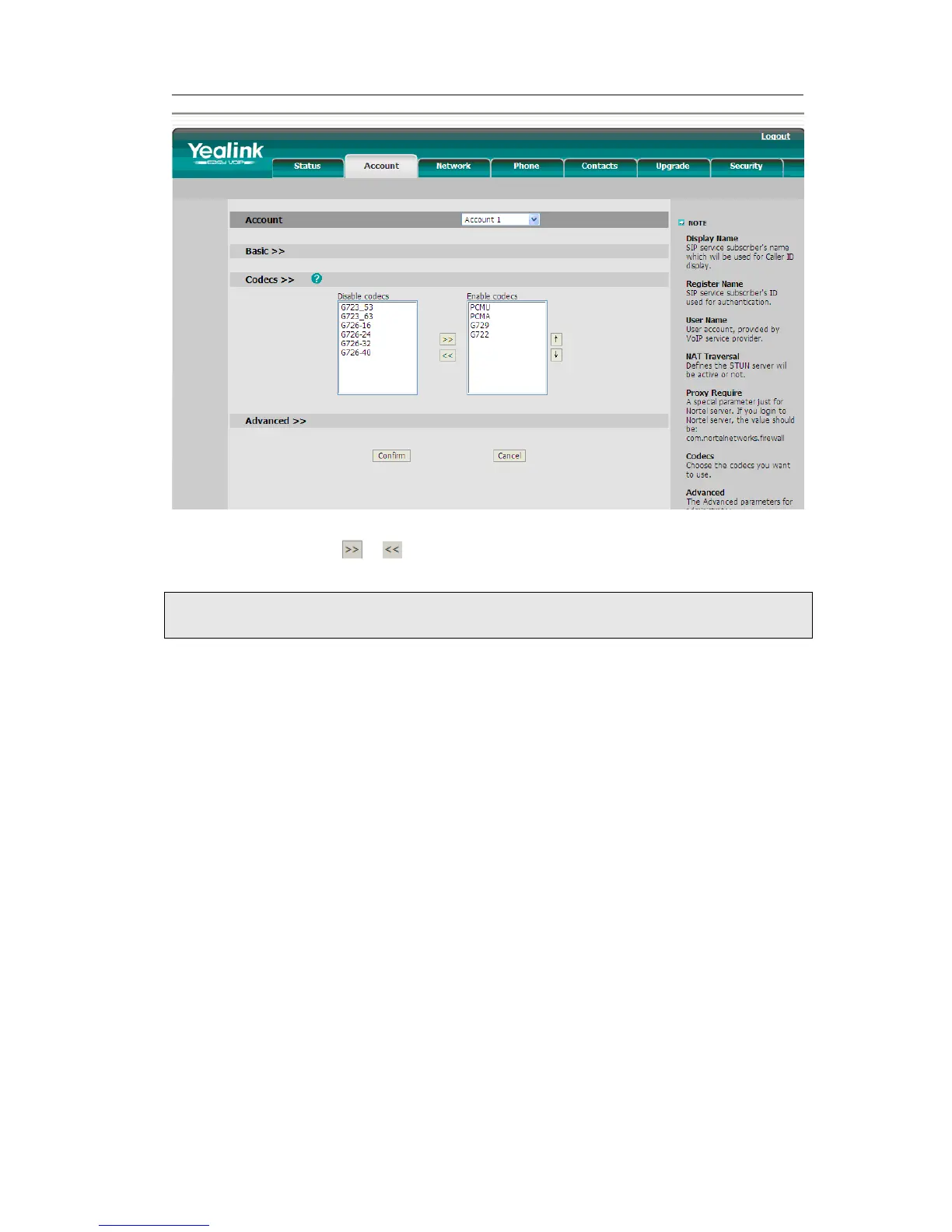
2) Use the navigation keys to highlight the desired one in the Enable/Disable Codecs
list, and press the / to move to the other list.
3) Click Confirm to save the change.
Contact Management
Edit/Add/Delete Contact
You can store a large number of contacts in your phone's contact list. You can add, edit,
delete, dial, and search for a contact in the contact list.
The directory includes Local Directory, Blacklist, Remote Phonebook and Broadsoft.
To add a Group via Phone interface:
1) Press Dir->Local Directory
2) Press Group hot key to enter to the Add Group page.
3) Enter the group name and choose the ring.
4) Press the save hot key to save.



 To Next Page