Intercom
Intercom mode is useful in an office environment as a quick access to connect to the
operator or the secretary.
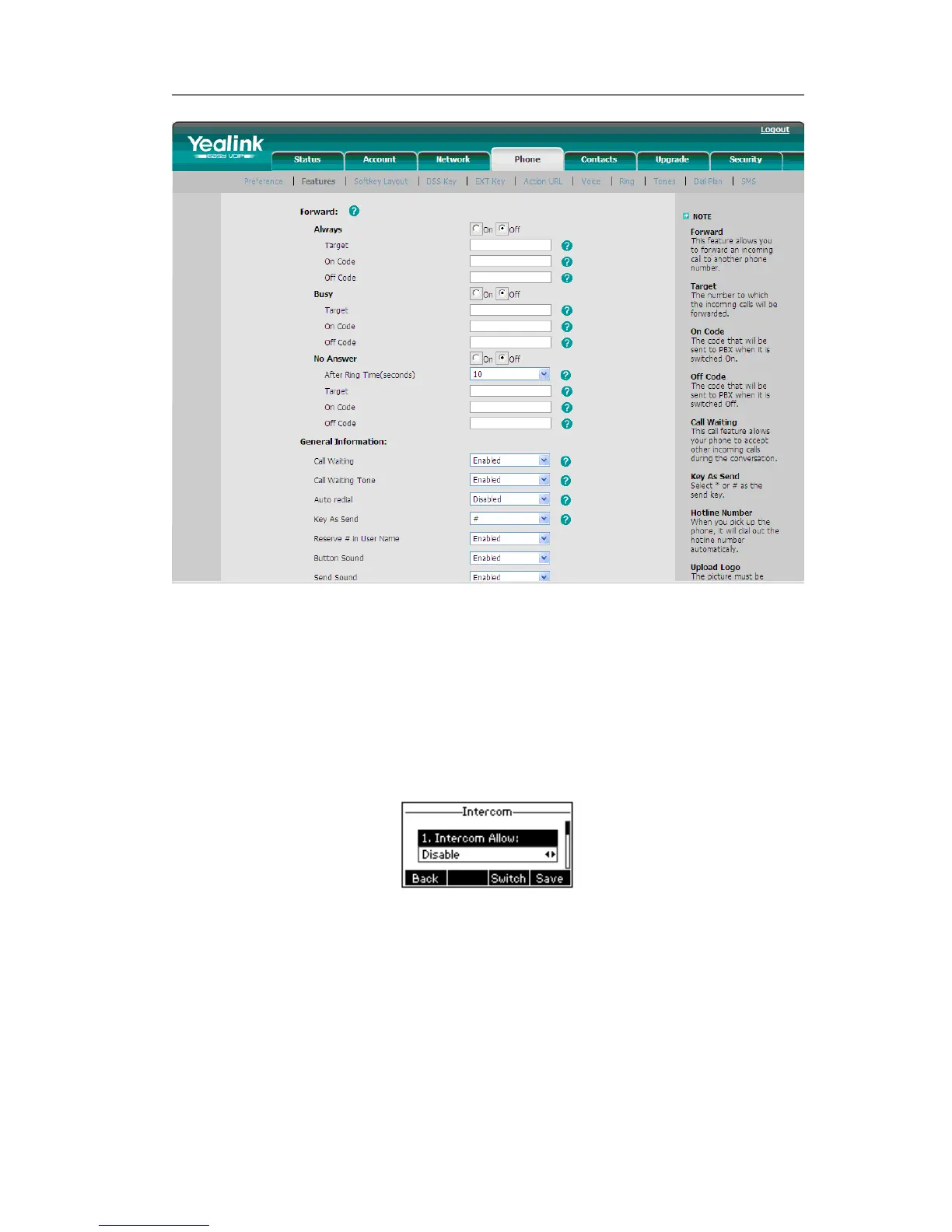
To configure Intercom option via phone interface:
1) Press the following hot keys: Menu->Features->Intercom to enter the
configuration page.
2) Intercom Allow: To set whether to answer the incoming intercom calls.
3) Intercom Mute: To set whether to mute the incoming intercom calls automatically.
4) Intercom Tone: To set whether to play ring tones when there is incoming intercom
calls to your extension.
5) Intercom Barge: To set whether to answer the incoming intercom calls during a
conversation. If the option is enabled, when there is incoming intercom calls to
your extension, if you are on an intercom conversation, it will refuse the call
automatically; or it will put the current call on hold and put the incoming intercom
call through.
6) Choose and set the different options by navigation keys and the Switch soft key.



 To Next Page