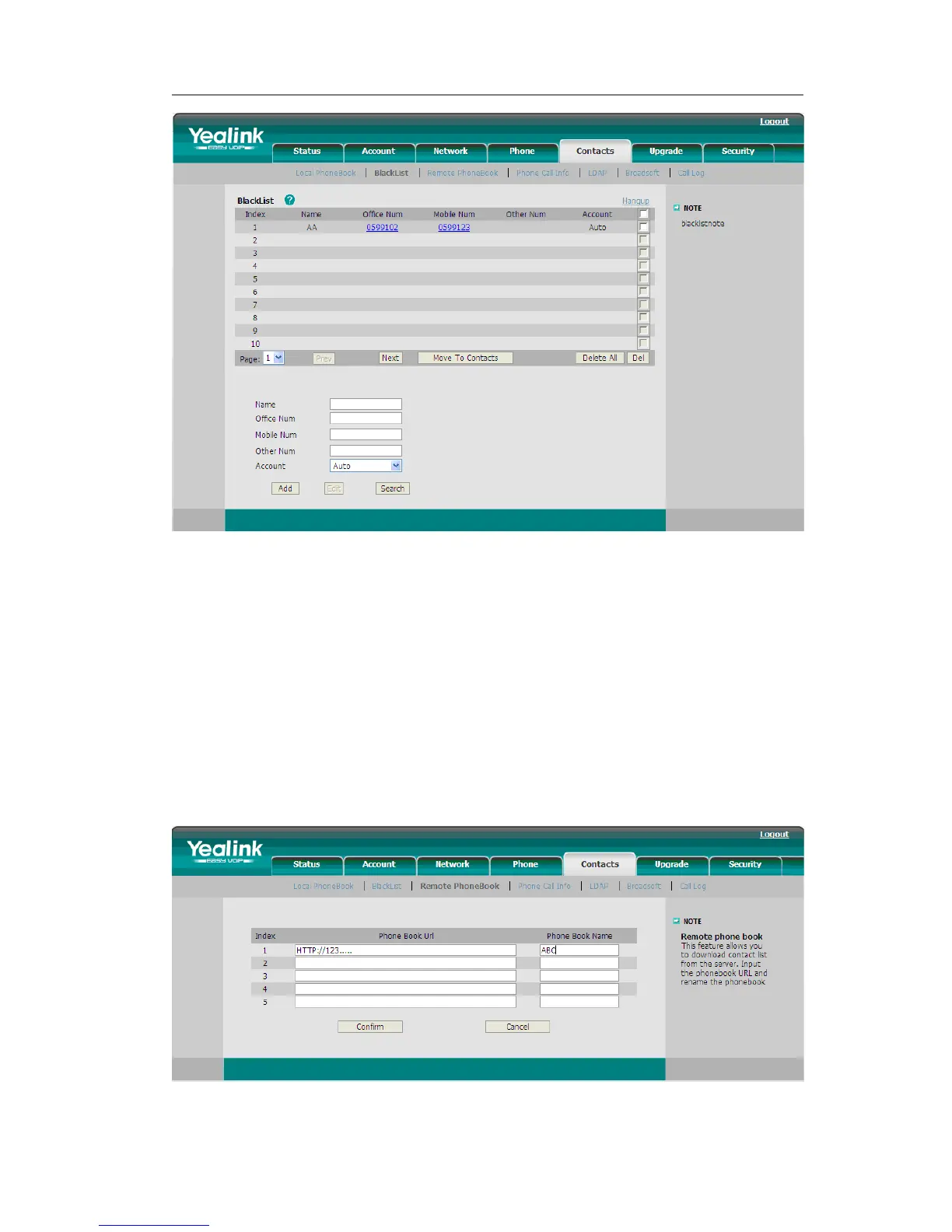
Remote Phone Book
The IP phone has directory itself, but in the enterprise applications where there are a
need for a common phone book. For the maintenance and the update of it, the common
phone book is usually carried out on the server or IPPBX to maintain up-to-date public
phone book, terminal users need to have remote phone book function. When the users
browse the remote phone book, the terminal will check and download the latest
information released on the server in time, and display on the terminal for the user.
To set the Remote Phone Book via Web interface:
1) Choose Contacts->Remote Phone Book.
2) Input the Phone book URL and the phone book name, then click the Confirm button



 To Next Page