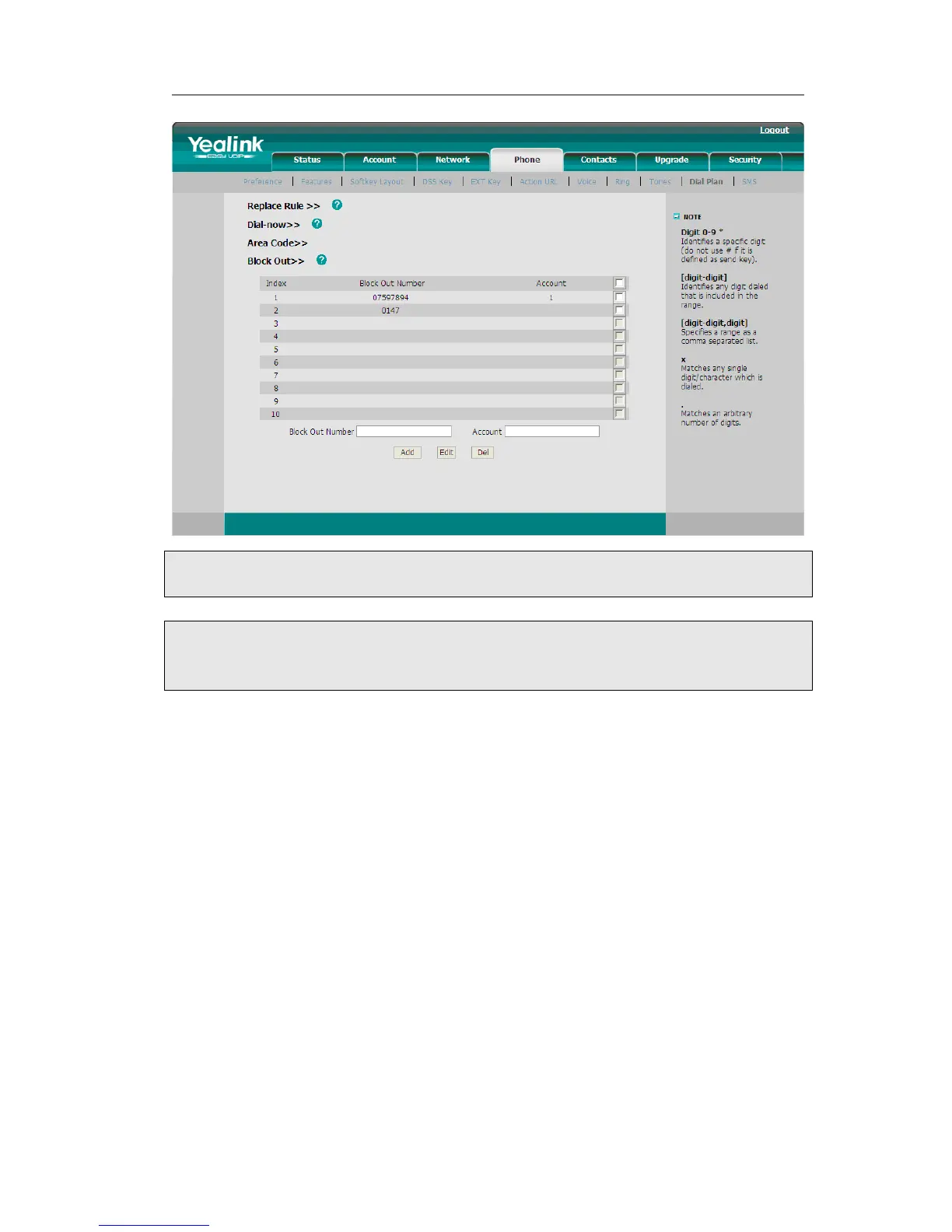
Note:
1. In the Account field, you can enter 1,2,3…, “1” represents Account 1, “2” represents
Account 2 ……, if the account box is empty, it mean this rule works for all accounts .
Feature Synchronisation
When enabled the synchronize function, configure the DND/FWD function on device or
server, DND/FWD status on device and server will be in correspondence.
To set Feature Key Synchronisation via the Web interface:
1) Choose Phone->Features-> Feature Key Synchronisation
2) There is a pull-down menu in the Type field, choose Intercom from the list.
3) Choose whether to enable this function from the pull-down menu.
4) Click the Confirm to save the change.



 To Next Page