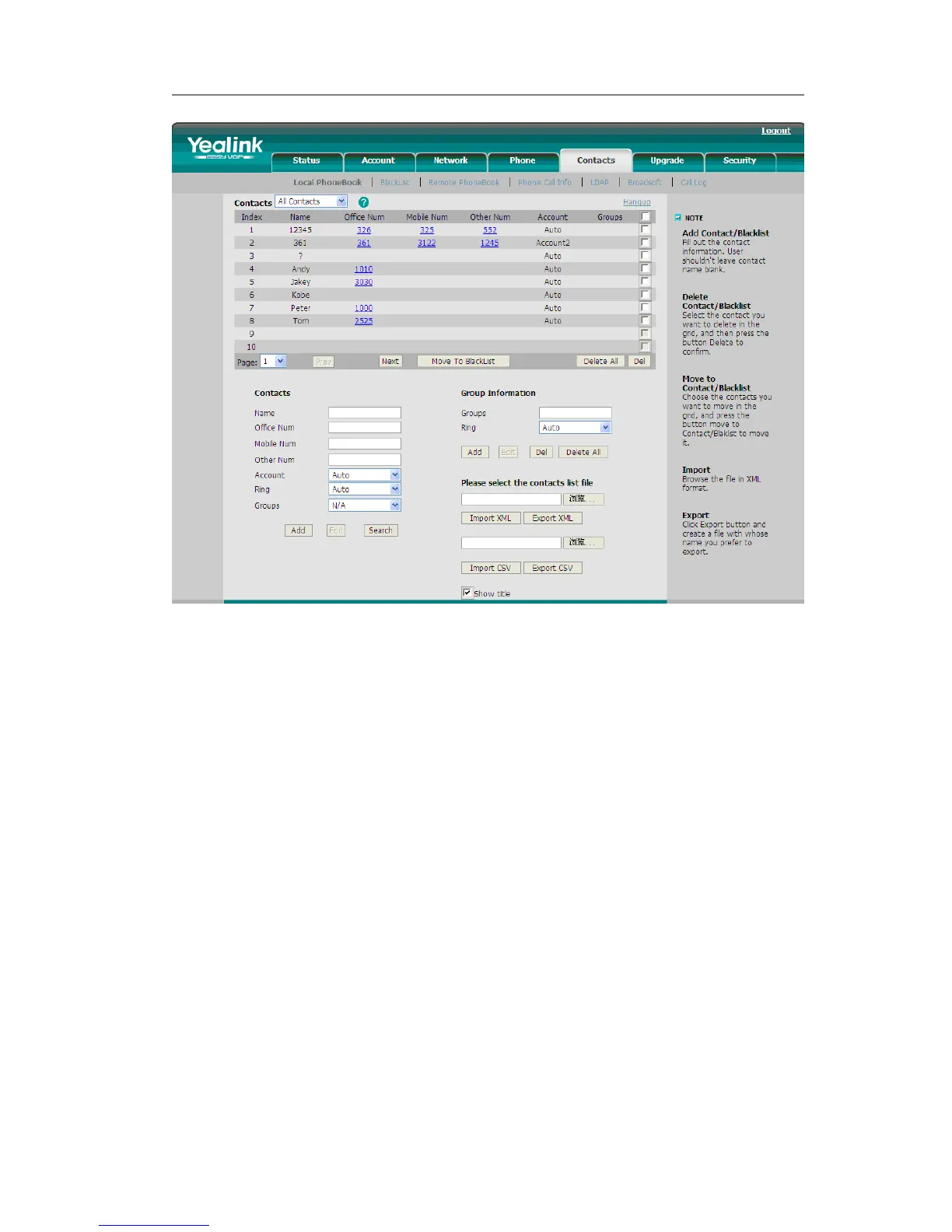
2) Or choose Contact->Phone Call Info, enter the number in the Dial a Number, select
the line from the Outgoing Identity list. Then click the dial button to call out.
3) Or choose Contact->Phone Call Info, click the number which you want to dial out
from the call list, the phone will dial out by corresponding default account.



 To Next Page