User Interface
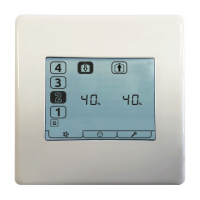
The aurastat® VT provides the user interface for commissioning and monitoring of a Titon HRV.
Buttons
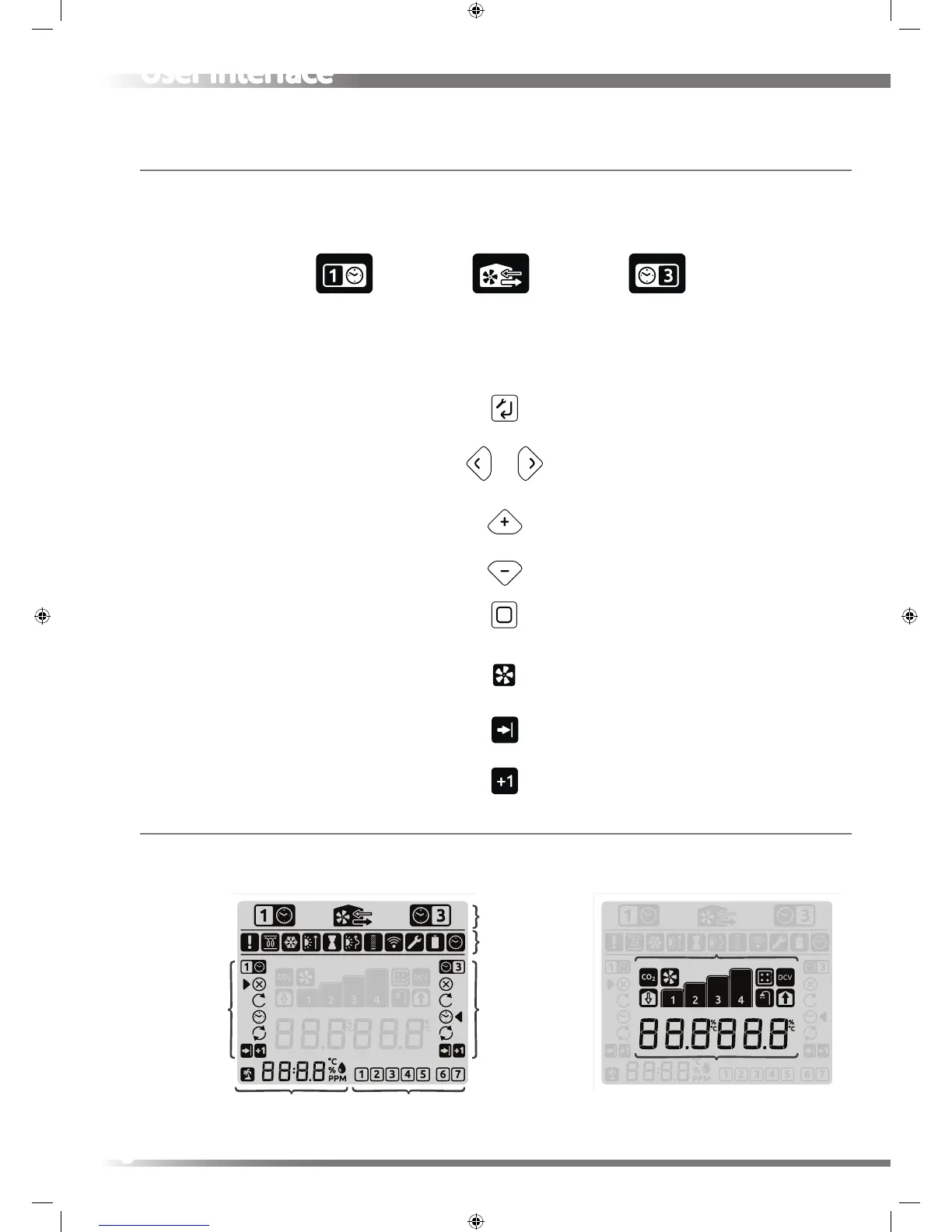
The aurastat® VT has twelve buttons which control, congure and monitor the HRV. The Buttons on the units have
dierent function depending on which mode the units is in and which menu is active.
Display
The display is a 90mm liquid crystal display (LCD) screen. The display has a back light. The display uses a mixture of icons
text and gures grouped into regions to communicate information to the user.
SETUP key
ARROW keys
+/- keys
HOME key
FAN key
Advance key
Enter menu item
Enter parameter setting
Previous / Next menu item
Navigation
Increase / Decrease parameterChanges Timer mode
Setback SPEED 1
Timer
Ventilation Boost SPEED 3
Timer
Back to Setup Menu
Enter setup
Switch between Fan Speed % display
& Temprature monitoring
Cycle though Clock,
RH% & Room Sensor(s)
Long Press engage Holiday Mode
Switch HRV into Speed 3 Boost Speed
Restart - Heating Failure Mode
Advance timer program when
unit is in Timer Mode
Adds one hour of Timer run time
to the selected Timer Mode
Run Modes
Run Modes SETUP Menus
Week Days
Mode
Status Icons
Clock, %RH & PPM
& Holiday Mode
Boost
SPEED3 Timer
Setback
SPEED1 Timer
Fan Speed %
Air Tempratures
Fan Speed & Status
8


 To Next Page